Keep batches distinguishable from the first purchase.
Record batch details with relevant stock entries so identical product names can still be traced by their batch information.
Item + batch at receipt
Batch selected on movement
Batch-wise balance and history
See the screens behind the workflow.
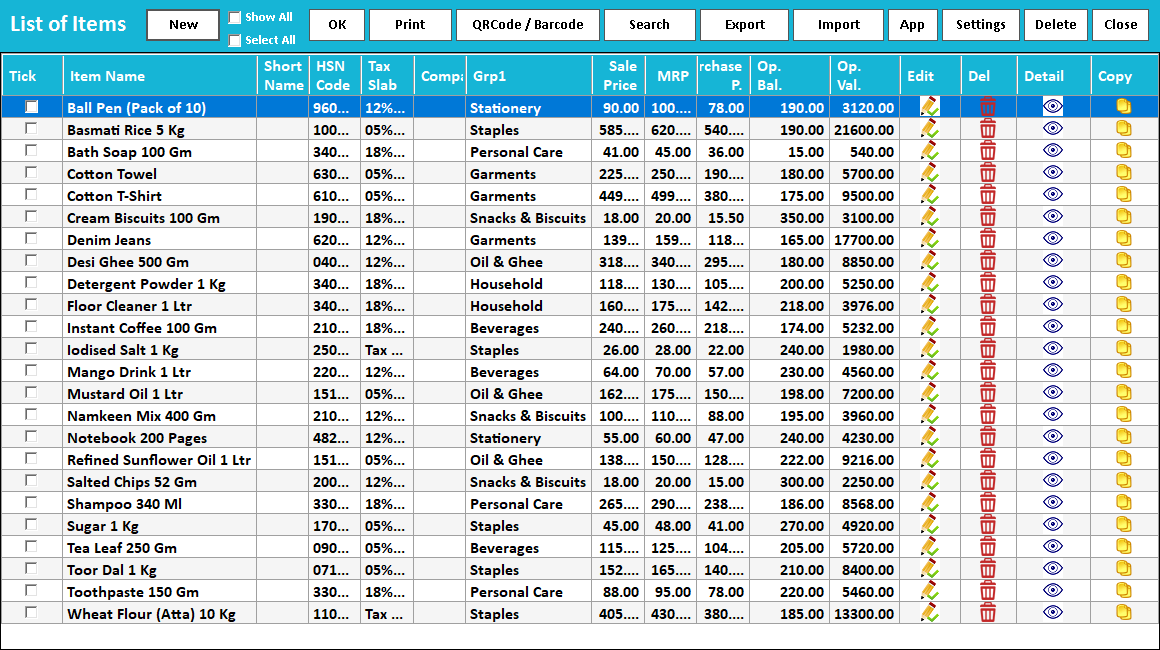
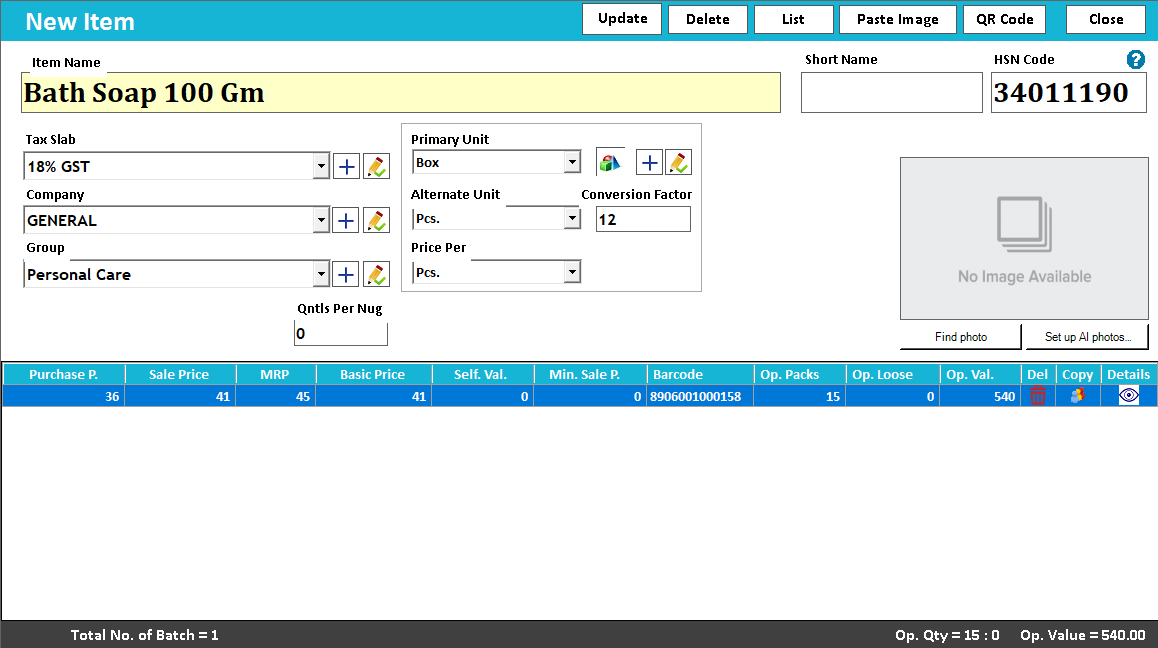
Real screens from the Speed Plus 9 manual. Open any image to inspect the details.
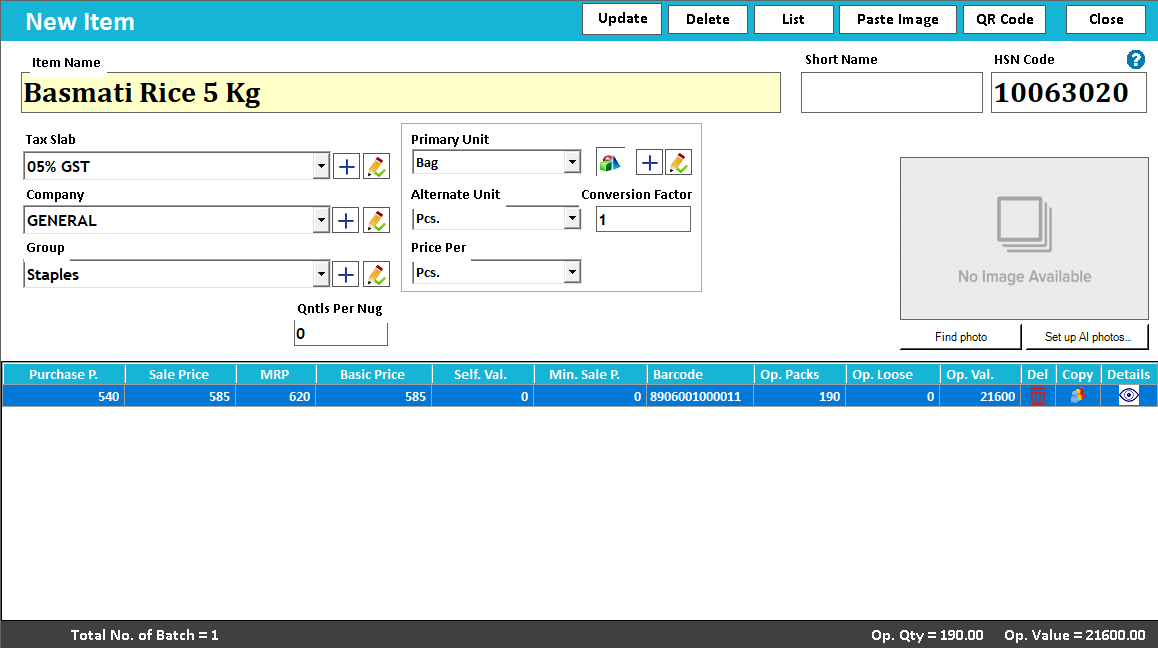 View full size ↗
A batch tells you which group of stock moved.
Batch tracking separates quantities that belong to the same item but arrived or were produced under different batch references. It helps answer a more precise question than total stock: which batch was received, remains available or was supplied?
Record the supplier or production batch consistently at receipt, along with the supported batch details. Select the relevant batch during outward movement and review batch-wise stock. Two batches of the same item should not be merged merely because the product name matches.
How to use it.
Keep batches distinguishable from the first purchase.
- 01
Enable and enter batch details for the item
- 02
Select the intended batch during sale
- 03
Review the batch-wise stock position
What this looks like in your business.
A pharmacy receives the same medicine in two batches and needs to keep their quantities separate.
Good questions.
Clear answers.
Choose the workflow that fits your business and confirm its setup in a demonstration.
Is a batch number the same as a serial number?
No. A batch can identify a group of units. A serial or IMEI identifies an individual unit. Choose the tracking method that matches how your products must be distinguished.
What setup should I confirm?
Batch entry must be consistent at purchase and sale. Verify the batch-selection workflow for your trade.
Bring a supplier bill into stock
Understand the review that sits between a bill photo and your purchase records.
- 01AI photo bill importRead guide →
- 02Purchase entryRead guide →
- 03Batch trackingYou are here
- 04Stock verification and journalsRead guide →
What else can help?
See it with a sample from your business.
Bring a sample bill or item list. We’ll show you the steps and answer your questions.