Find what you need.
See how it works.
From the first quotation to the day’s closing report. Explore practical workflows, product tutorials and examples for the way you work.
One business task.
The whole journey.
Choose a task and follow its connected guides. See how the entries, decisions and results fit together.
01Run a busy billing counter5 connected guides
From the item on the shelf to the receipt in the customer’s hand.
- 01Item master and searchRead guide →
- 02Barcode checkoutRead guide →
- 03Regular POSRead guide →
- 04Split paymentsRead guide →
- 05Custom bill formatsRead guide →
Try it in your demoBring a sample basket, a barcode and your receipt format.
02Bring a supplier bill into stock4 connected guides
Understand the review that sits between a bill photo and your purchase records.
- 01AI photo bill importRead guide →
- 02Purchase entryRead guide →
- 03Batch trackingRead guide →
- 04Stock verification and journalsRead guide →
Try it in your demoBring one supplier PDF and a few matching item records.
03Follow a credit sale through to collection4 connected guides
Connect the customer account, invoice, outstanding amount and receipt.
- 01Customer and supplier ledgersRead guide →
- 02GST invoicingRead guide →
- 03Bill-by-bill outstandingRead guide →
- 04Receipts and paymentsRead guide →
Try it in your demoBring a sample credit invoice and a partial payment.
04Build a reason for customers to return4 connected guides
See how a purchase earns points, how redemption works and where the history lives.
- 01Regular POSRead guide →
- 02Loyalty pointsRead guide →
- 03Customer points ledgerRead guide →
- 04WhatsApp invoice sharingRead guide →
Try it in your demoChoose a sample bill amount and the reward rules you want to try.
05Take an order from table to payment5 connected guides
Follow the service journey across the table, kitchen and billing counter.
- 01Restaurant table managementRead guide →
- 02Restaurant menu variantsRead guide →
- 03Restaurant KOTRead guide →
- 04Kitchen displayRead guide →
- 05Restaurant billing and paymentsRead guide →
Try it in your demoBring a small menu with a portion choice and a preparation note.
06Know the exact piece you bought and sold4 connected guides
Follow an individual device rather than only the total stock of a model.
- 01Item master and searchRead guide →
- 02IMEI and serial trackingRead guide →
- 03Regular POSRead guide →
- 04Customer and supplier ledgersRead guide →
Try it in your demoBring two sample serial numbers belonging to the same product.
Four useful ideas.
Made tangible.
Try a quotation example, follow a device, review an AI extraction or explore loyalty points.
Quotations and estimates
Give customers a clear price before they buy.
Read the guide →IMEI and serial tracking
Follow the individual device, not just the model.
Read the guide →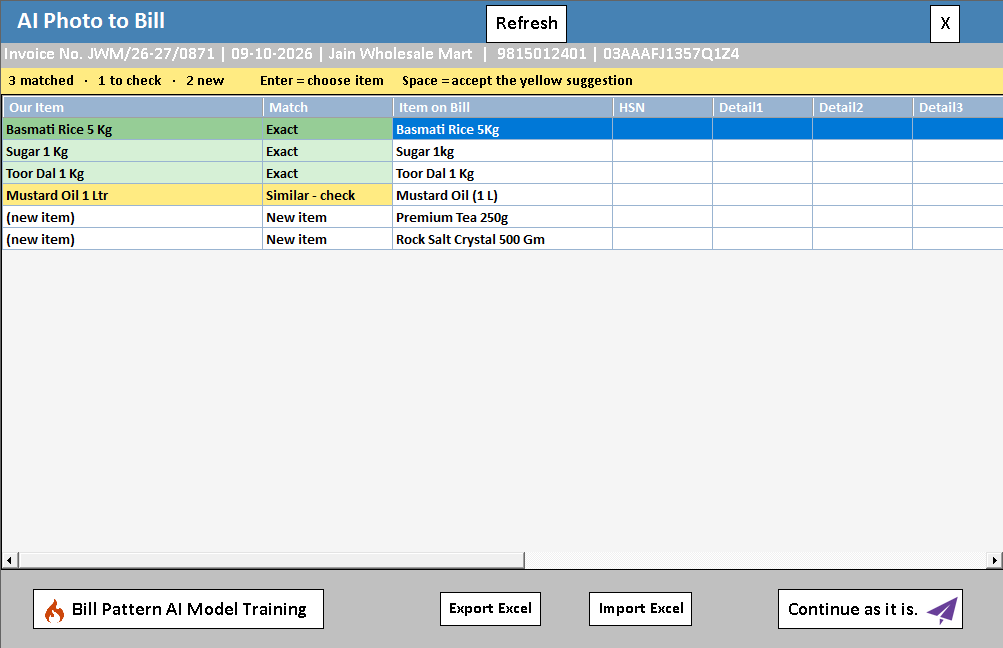
AI photo bill import
Read a supplier bill from a photo or PDF.
Read the guide →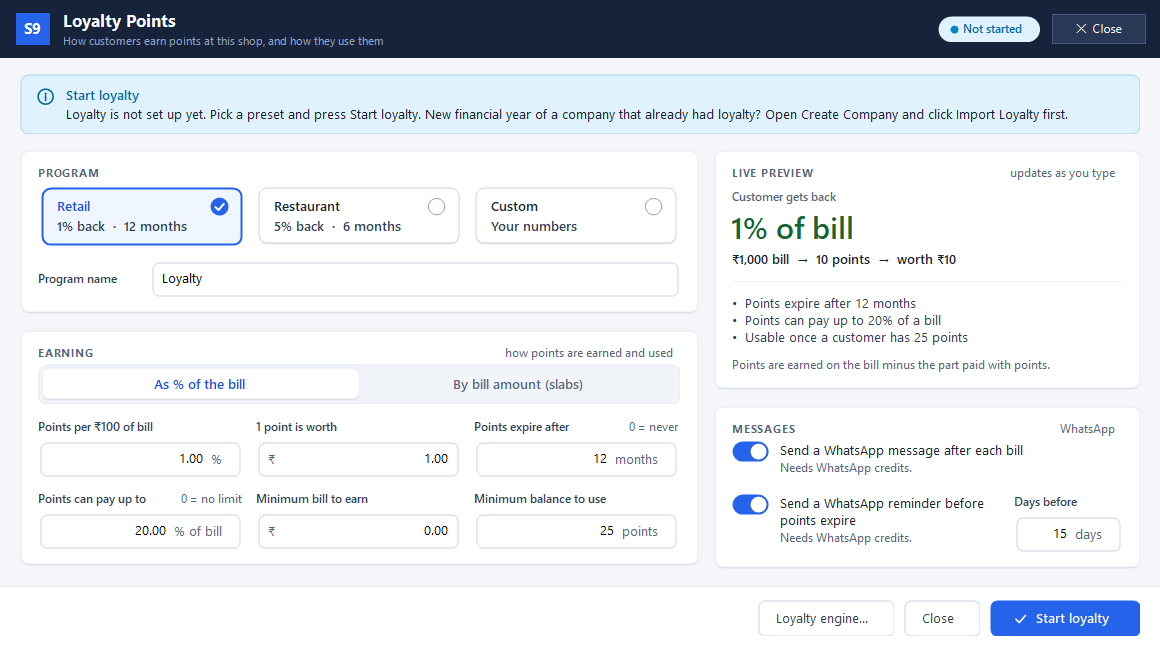
Loyalty points
Reward customers when they buy again.
Read the guide →What would you like to do?
86 feature guides
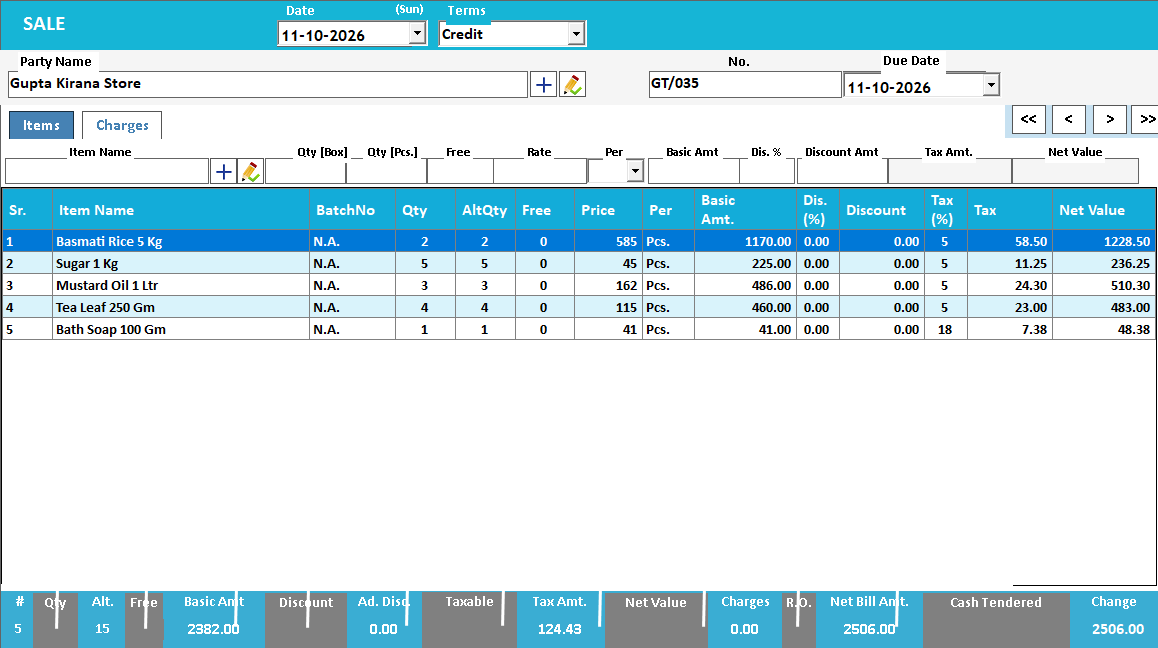
GST invoicing
Make the bill. Keep stock and accounts updated.
Read the guide →Quotations and estimates
Give customers a clear price before they buy.
Read the guide →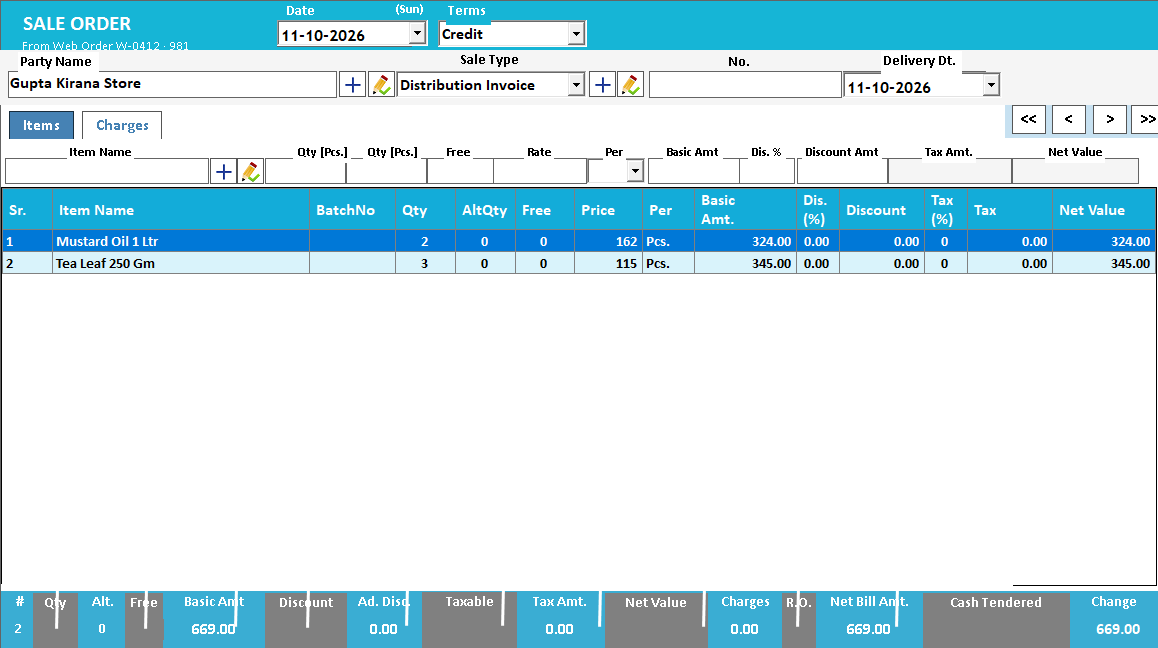
Sales orders and challans
Keep the order and the delivery in view.
Read the guide →Sales returns and credit notes
Give every return a clear reference.
Read the guide →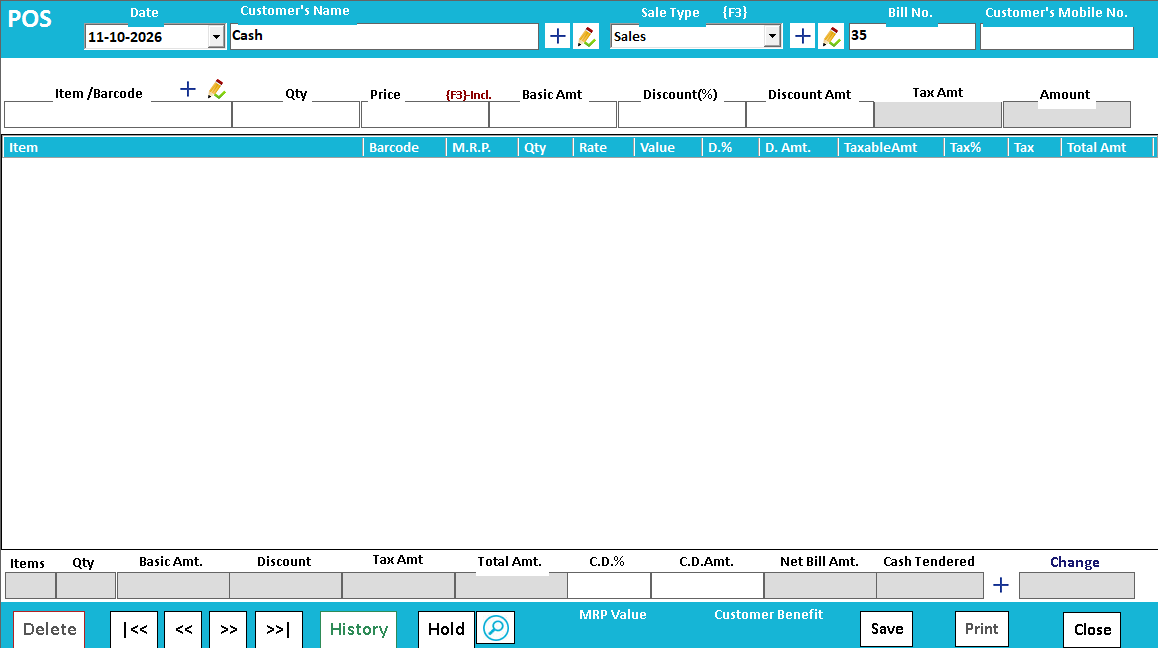
Regular POS
Scan items. Take payment. Print the bill.
Read the guide →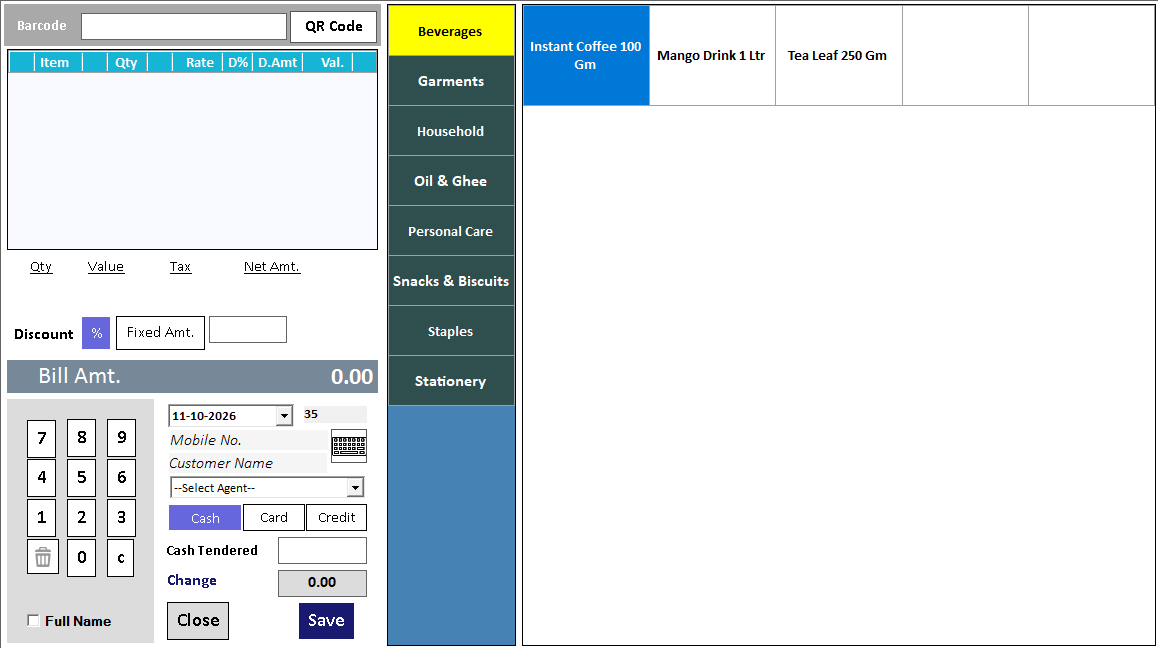
Touch POS
A billing workspace made for touch.
Read the guide →Barcode checkout
Scan the label. Find the right item.
Read the guide →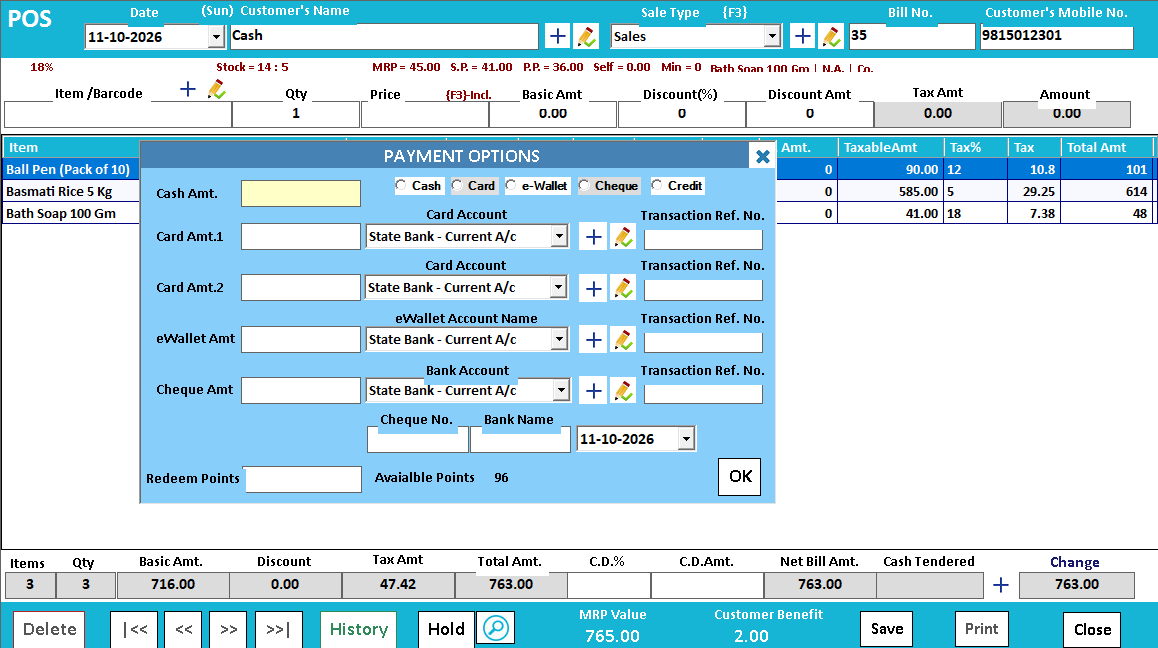
Split payments
One bill, more than one payment mode.
Read the guide →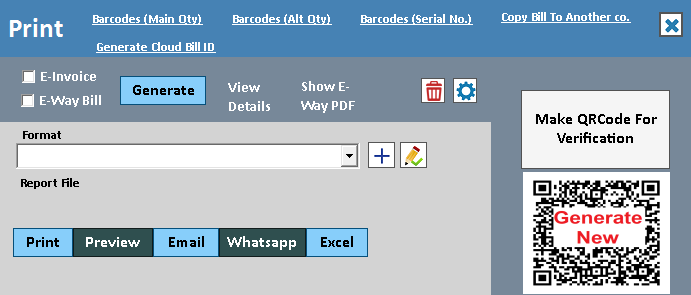
Custom bill formats
Your invoice, in the format your counter needs.
Read the guide →Payment QR codes
Make the payment destination easy to find.
Read the guide →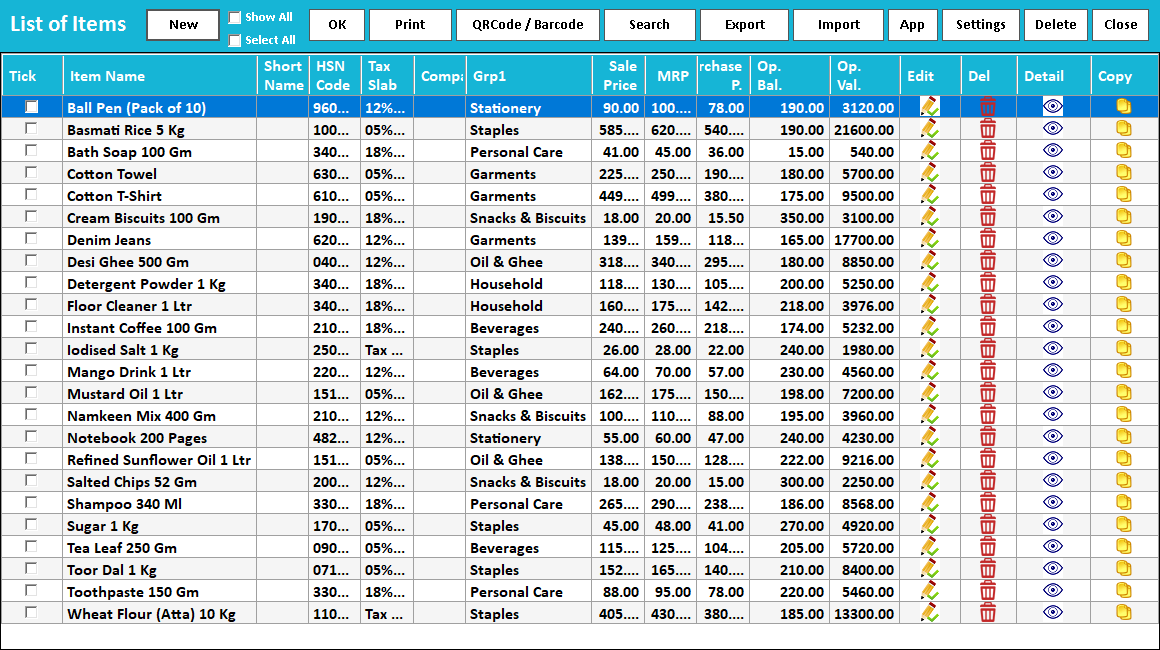
Item master and search
Keep each product’s details in one place.
Read the guide →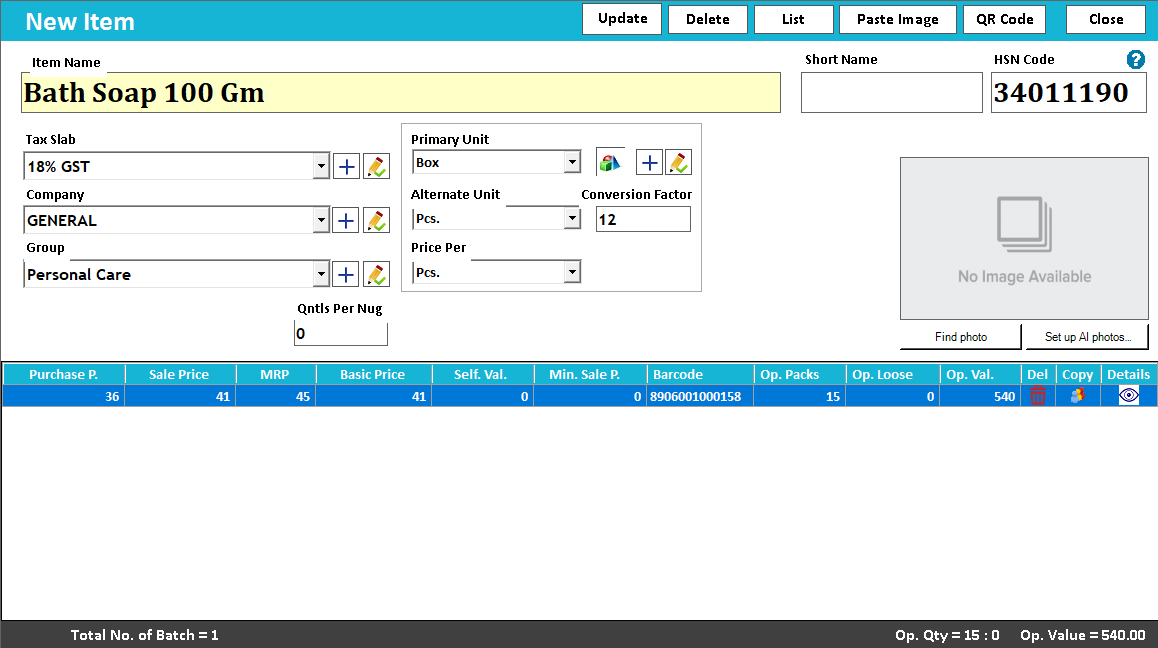
Multiple units
Buy by the box. Sell by the piece.
Read the guide →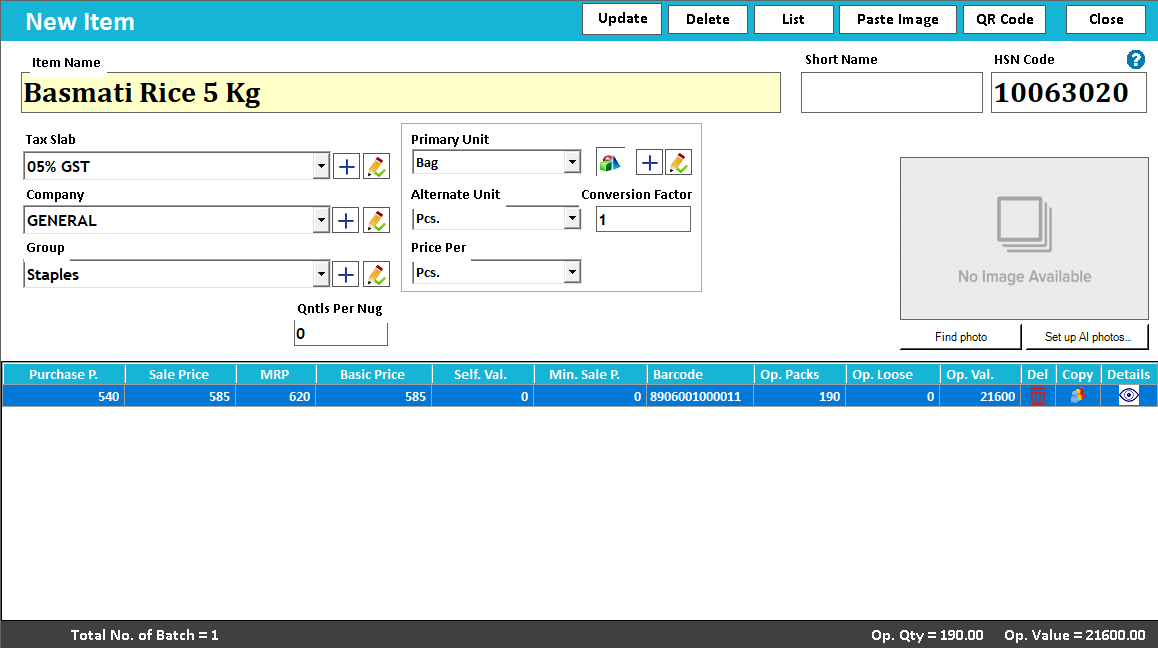
Batch tracking
Keep batches distinguishable from the first purchase.
Read the guide →Expiry management
Give dated stock the attention it needs.
Read the guide →IMEI and serial tracking
Follow the individual device, not just the model.
Read the guide →Size and colour inventory
Every size and colour deserves its own stock view.
Read the guide →Barcode and QR labels
Put useful product information on the label.
Read the guide →Godown management
Know which location holds the stock.
Read the guide →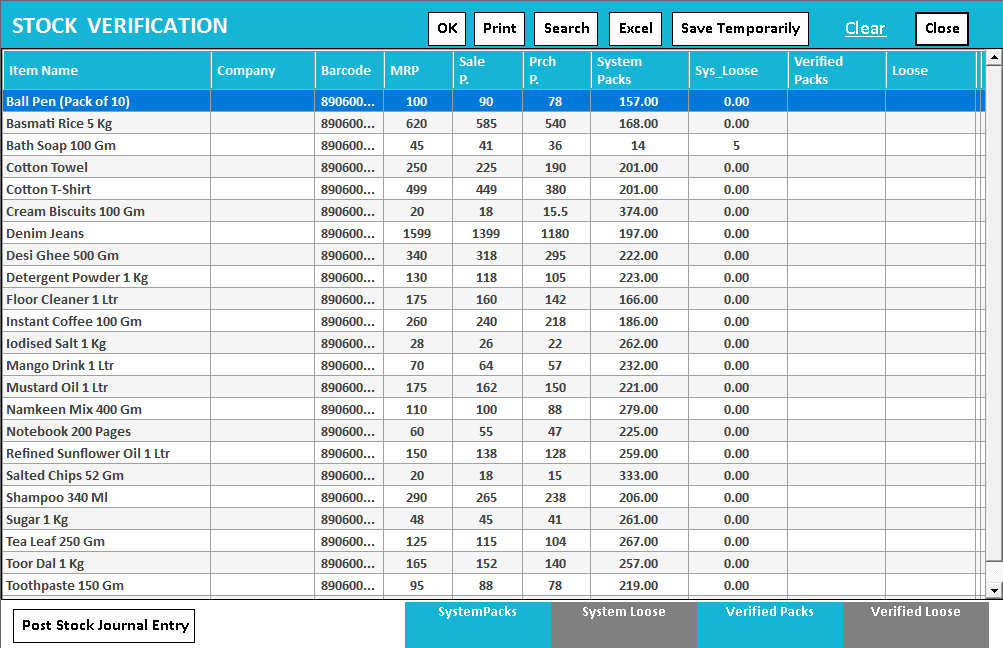
Stock verification and journals
Bring the physical count back into the records.
Read the guide →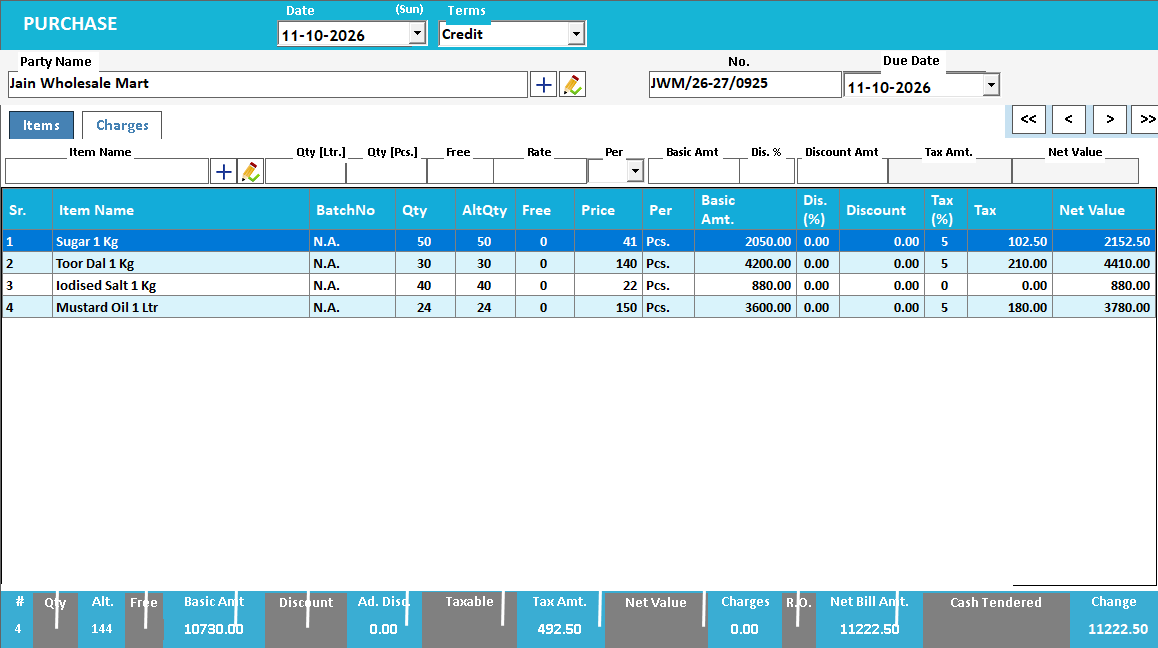
Purchase entry
Turn a supplier bill into useful stock records.
Read the guide →AI photo bill import
Read a supplier bill from a photo or PDF.
Read the guide →Handwritten bill import
Bring handwritten bills into a reviewable workflow.
Read the guide →WhatsApp purchase import
Move from a received bill to purchase review.
Read the guide →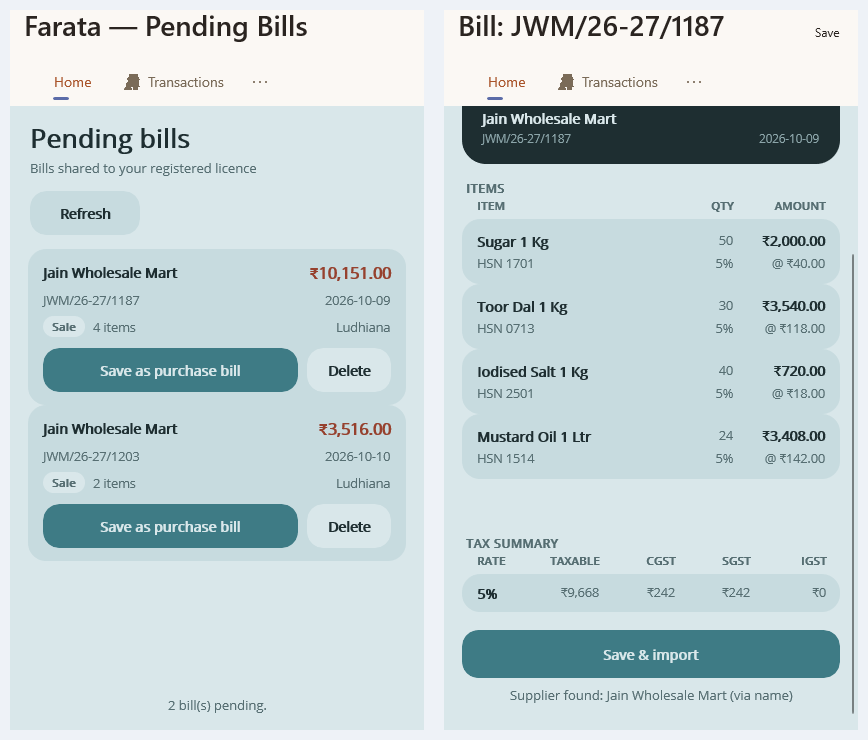
Connected supplier bill import
Review connected supplier bills before adding stock.
Read the guide →Purchase schemes
Keep scheme quantities visible in the purchase.
Read the guide →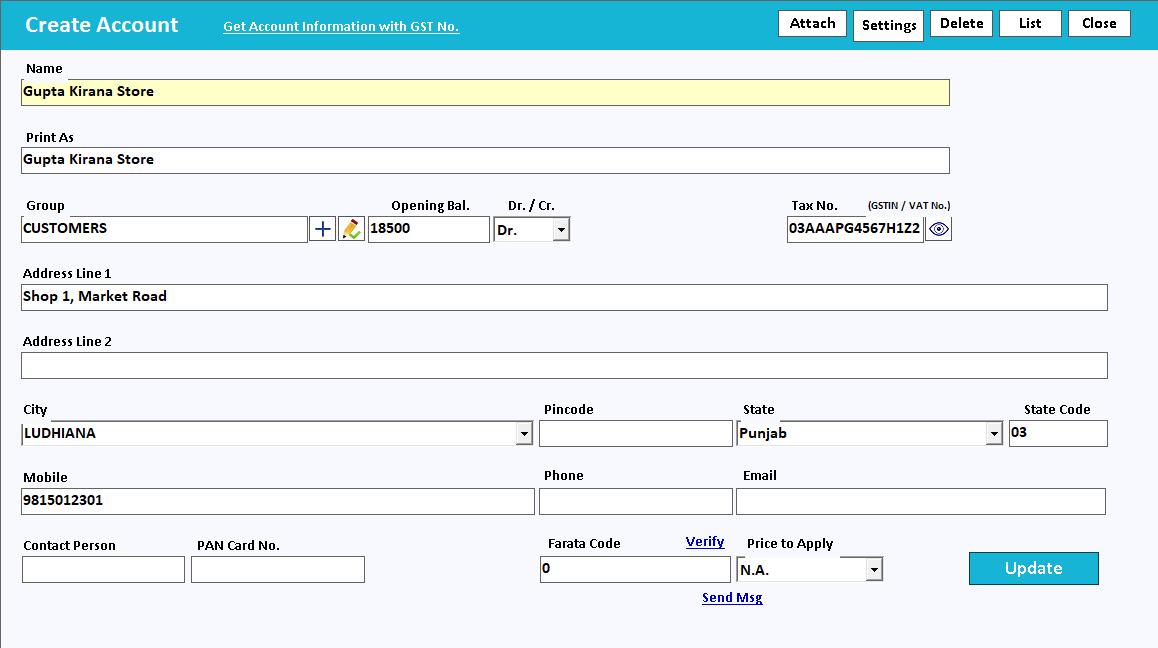
Customer and supplier ledgers
See what a customer owes or a supplier is due.
Read the guide →Ledger with item details
Understand the balance and the items behind it.
Read the guide →Bill-by-bill outstanding
Know which invoice still needs payment.
Read the guide →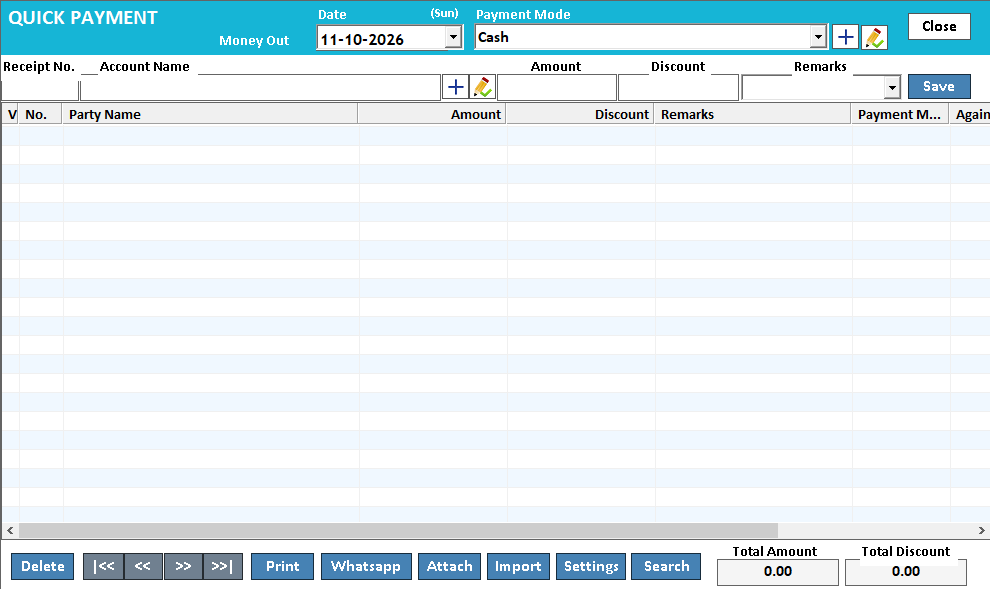
Receipts and payments
Record money movement with the right account.
Read the guide →Bank reconciliation
Compare the books with the bank statement.
Read the guide →Financial statements
Read the business through its accounts.
Read the guide →Cash flow
Look beyond sales to money movement.
Read the guide →Multi-company accounting
Keep separate businesses clearly separated.
Read the guide →E-invoicing
Prepare invoice details for the e-invoice workflow.
Read the guide →E-way bills
Keep transport details close to the bill.
Read the guide →GST reports
Review the tax information in your records.
Read the guide →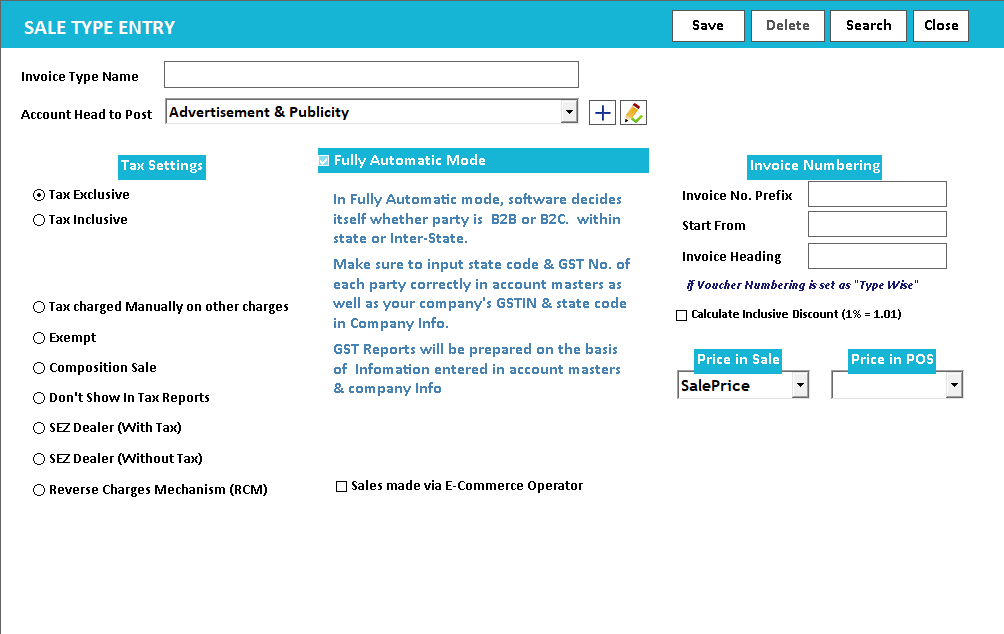
Tax and price settings
Make price and tax settings explicit.
Read the guide →Multilingual printing
Print product details in a familiar language.
Read the guide →Custom report layouts
Give the report a useful printed shape.
Read the guide →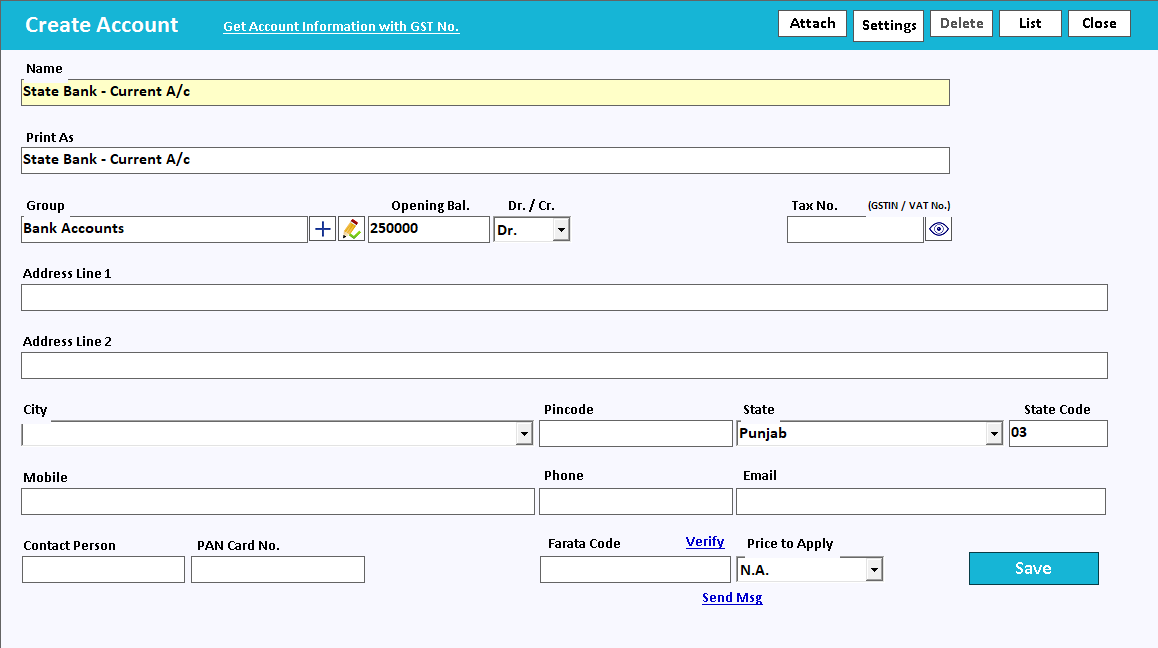
Bank details and cheque printing
Keep payment instructions and cheque output consistent.
Read the guide →Loyalty points
Reward customers when they buy again.
Read the guide →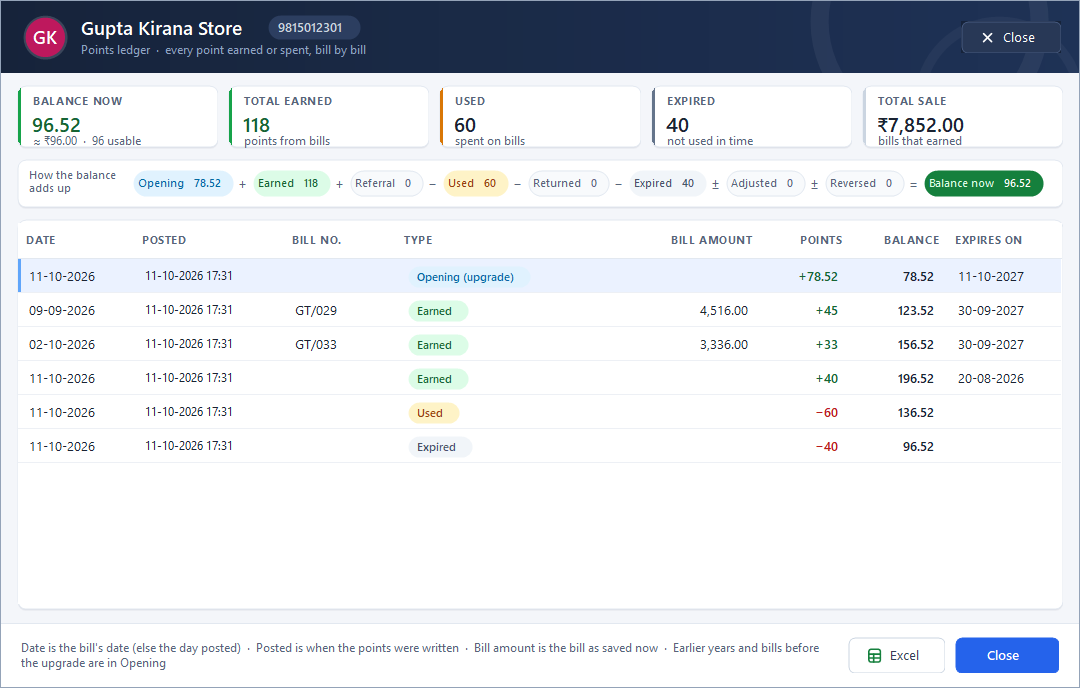
Customer points ledger
Show where a customer’s points came from.
Read the guide →WhatsApp invoice sharing
Put a useful invoice in the customer's chat.
Read the guide →Telegram transaction alerts
Keep an eye on business activity from Telegram.
Read the guide →Email bills
Send a bill to the inbox the customer uses.
Read the guide →SMS integration
Use messages for the right customer update.
Read the guide →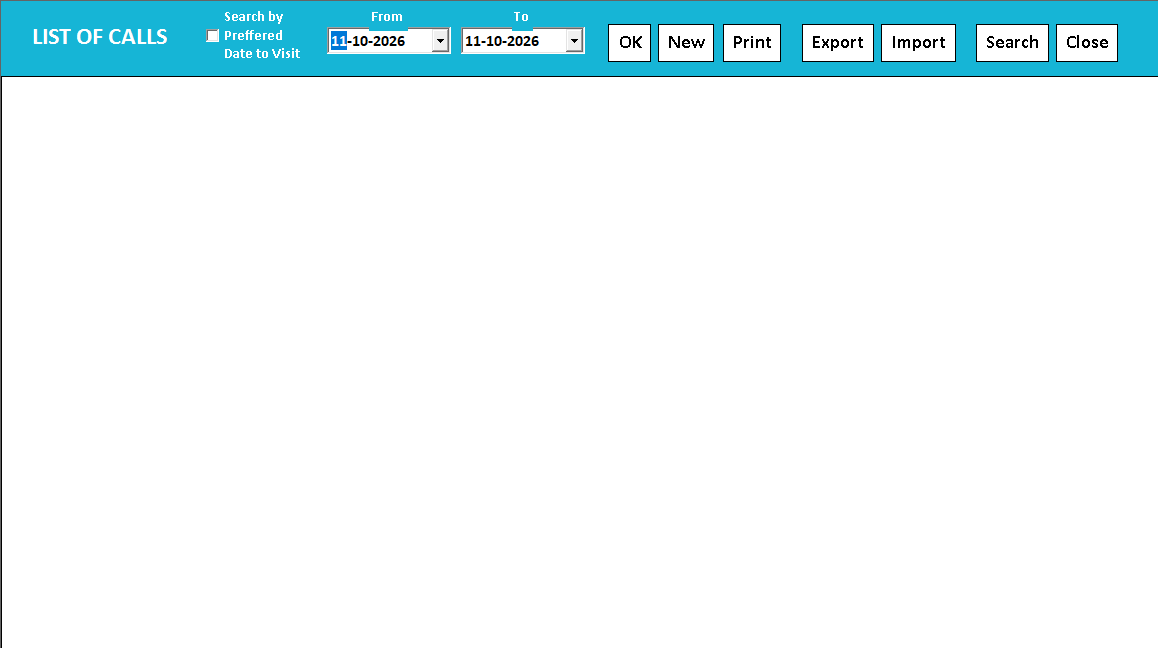
CRM call register
Keep enquiries and service calls out of loose diaries.
Read the guide →DSR Party Wise Daily
Review the day's billed parties in one report.
Read the guide →Excel item import and export
Prepare a catalogue once, then review the import.
Read the guide →Account import and export
Bring account masters into a consistent format.
Read the guide →Sales purchase and receipt import
Check imported transactions before trusting the totals.
Read the guide →EMI instalment sales
Keep instalment sales organised.
Read the guide →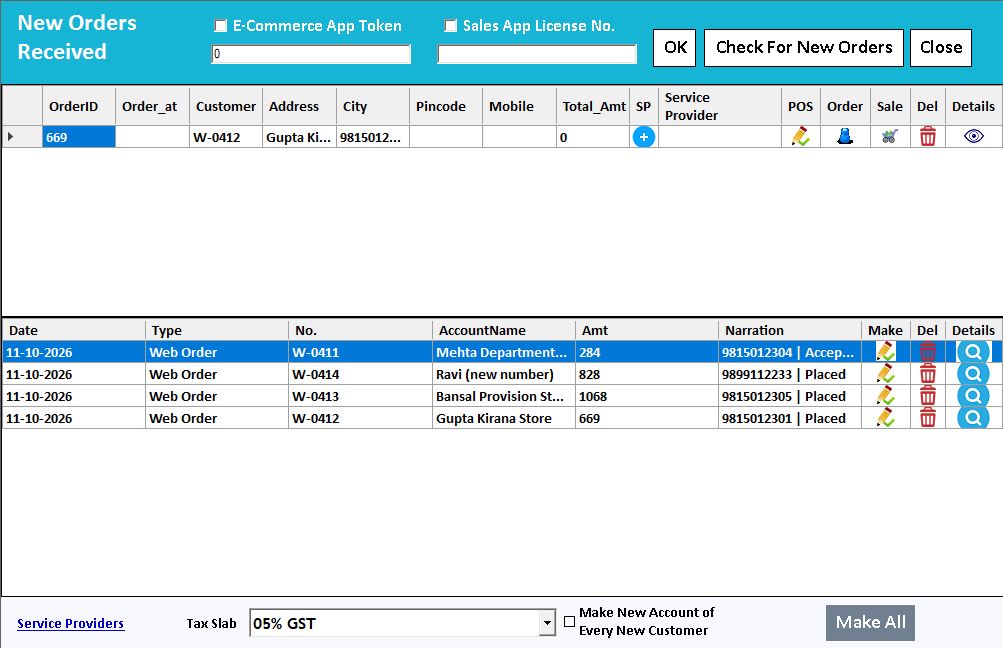
Farata mobile orders
Collect the order where the conversation happens.
Read the guide →Farata bills and stock sync
Keep received bills close to the mobile workflow.
Read the guide →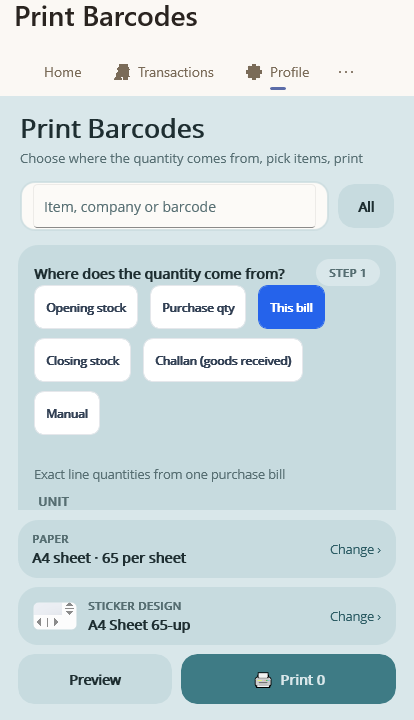
Farata mobile print and share
Share a mobile document with a clear purpose.
Read the guide →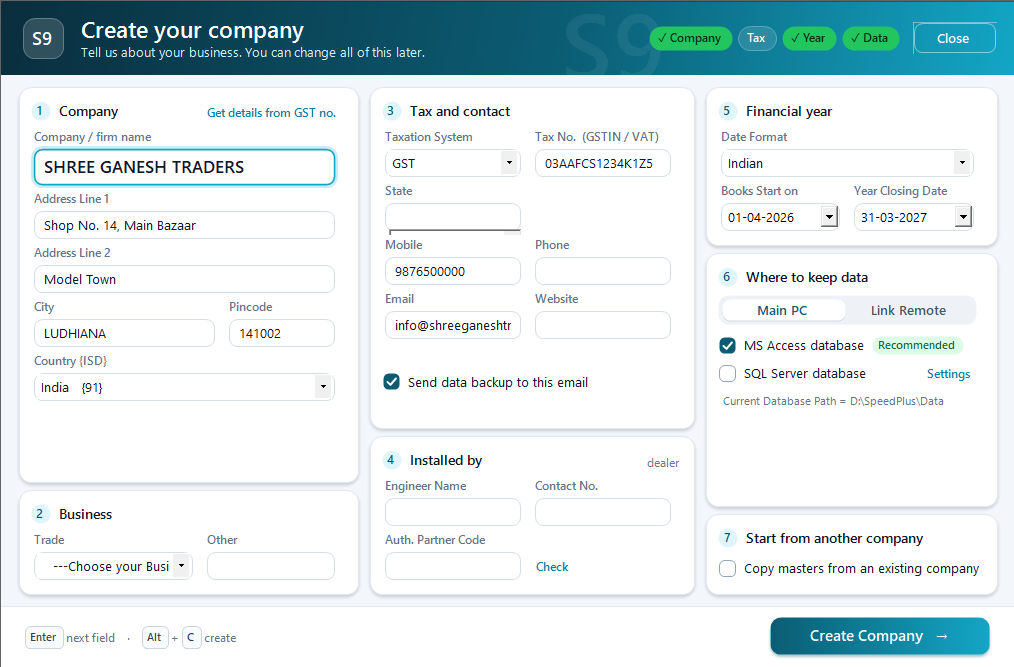
Company setup
Set the company up for the way you trade.
Read the guide →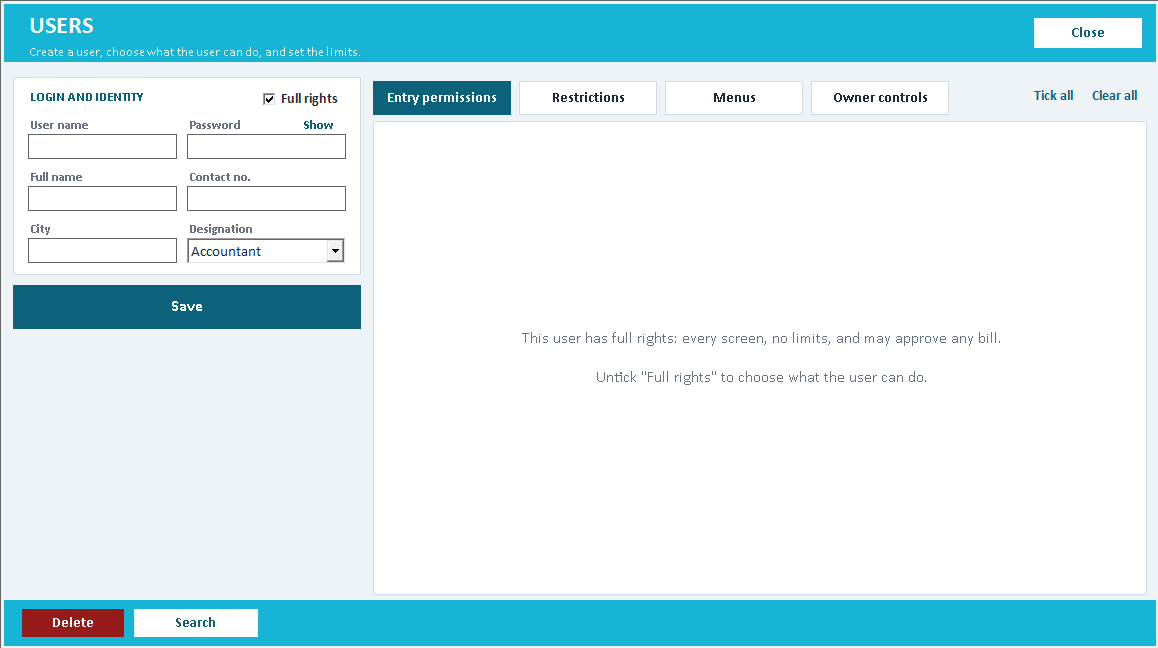
User permissions
Give staff the access their work needs.
Read the guide →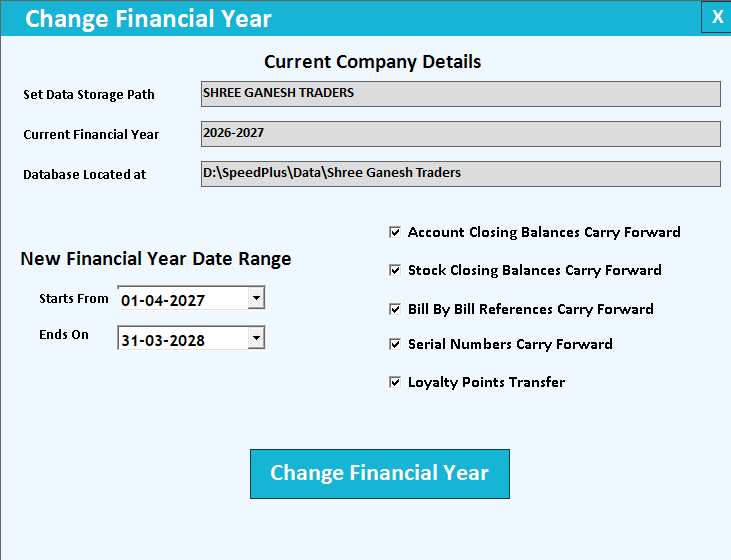
Financial year change
Start the next year with a checked opening position.
Read the guide →Email backup and restore
Make backup a routine, and restore a tested skill.
Read the guide →Cloud access
Choose a supported route to remote access.
Read the guide →SQL Server integration
Plan the database around the working environment.
Read the guide →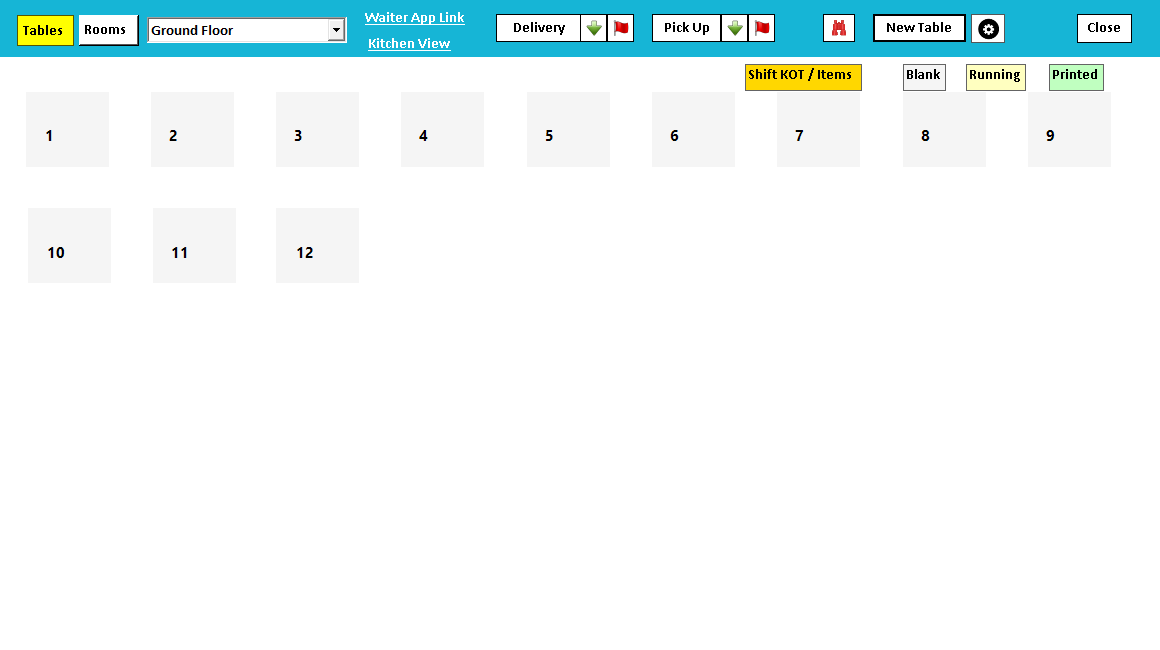
Restaurant table management
Keep the restaurant floor understandable.
Read the guide →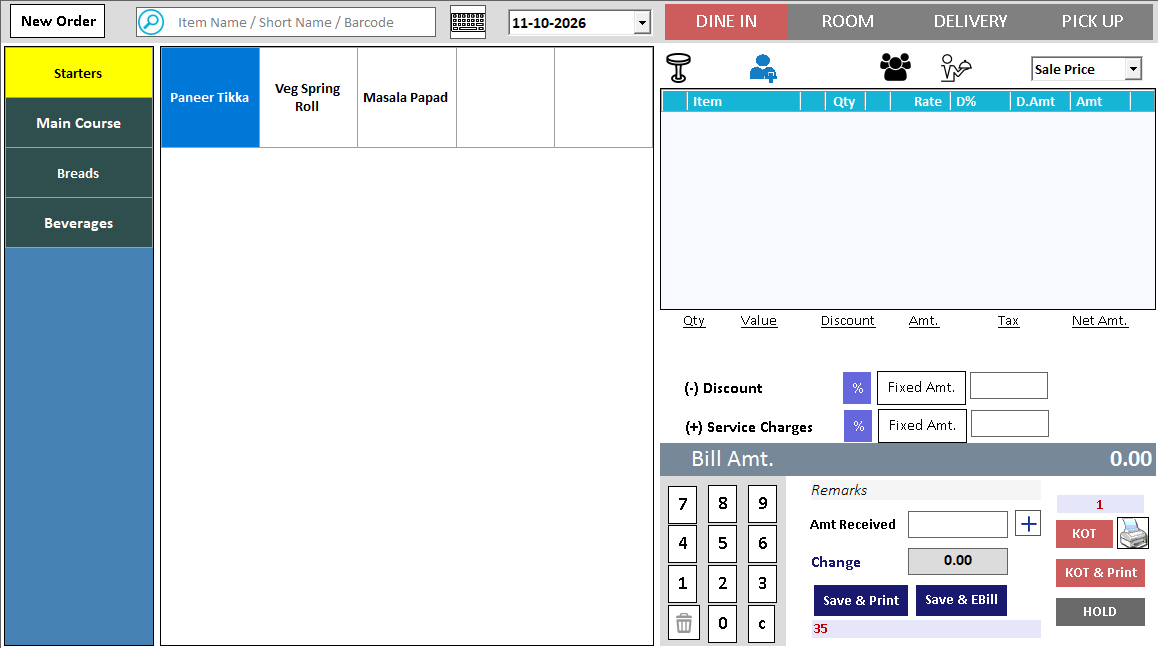
Restaurant KOT
Give the kitchen the order it needs.
Read the guide →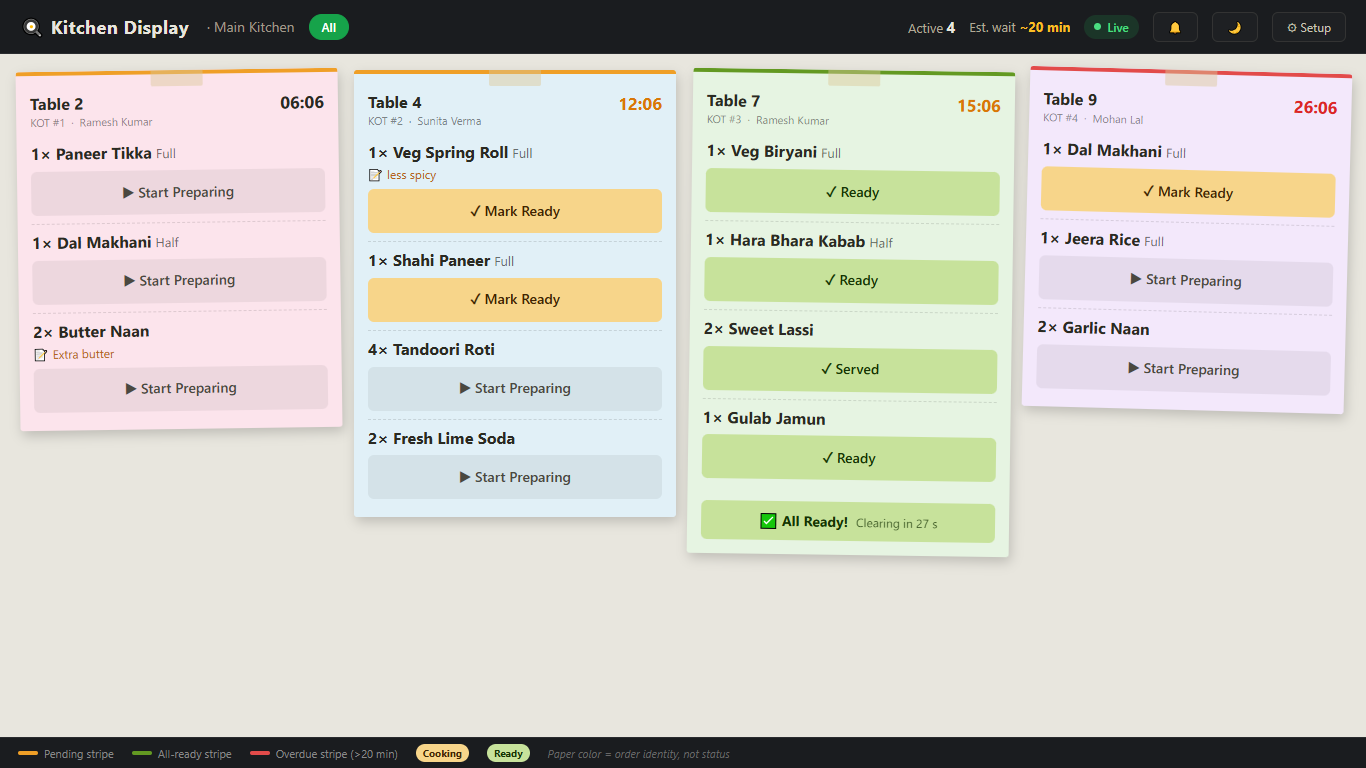
Kitchen display
Bring kitchen orders onto a shared display.
Read the guide →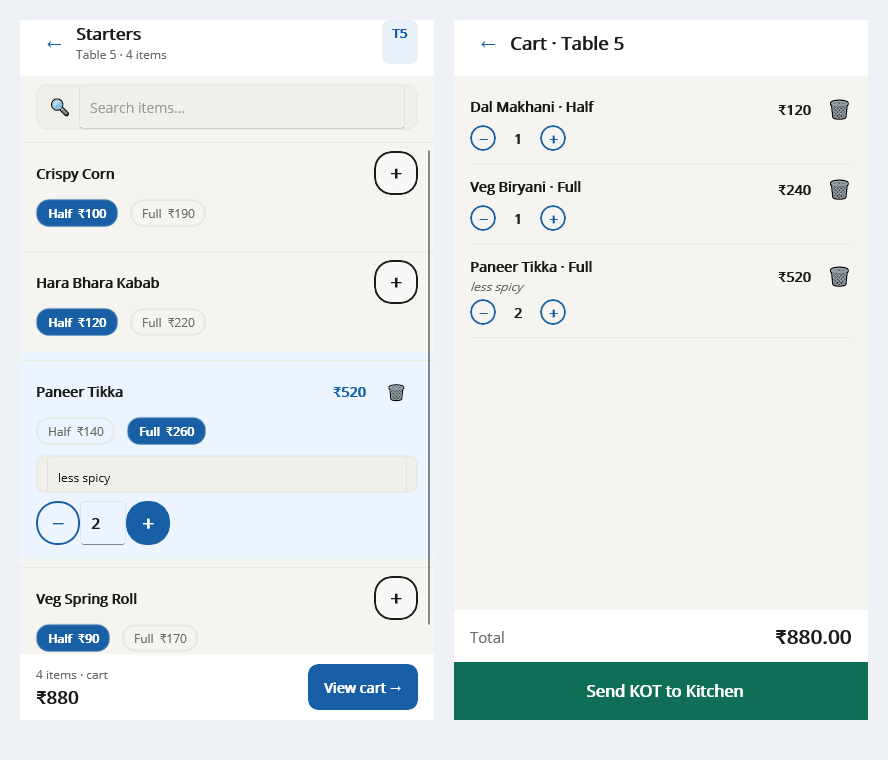
Restaurant menu variants
Make the menu easy to order correctly.
Read the guide →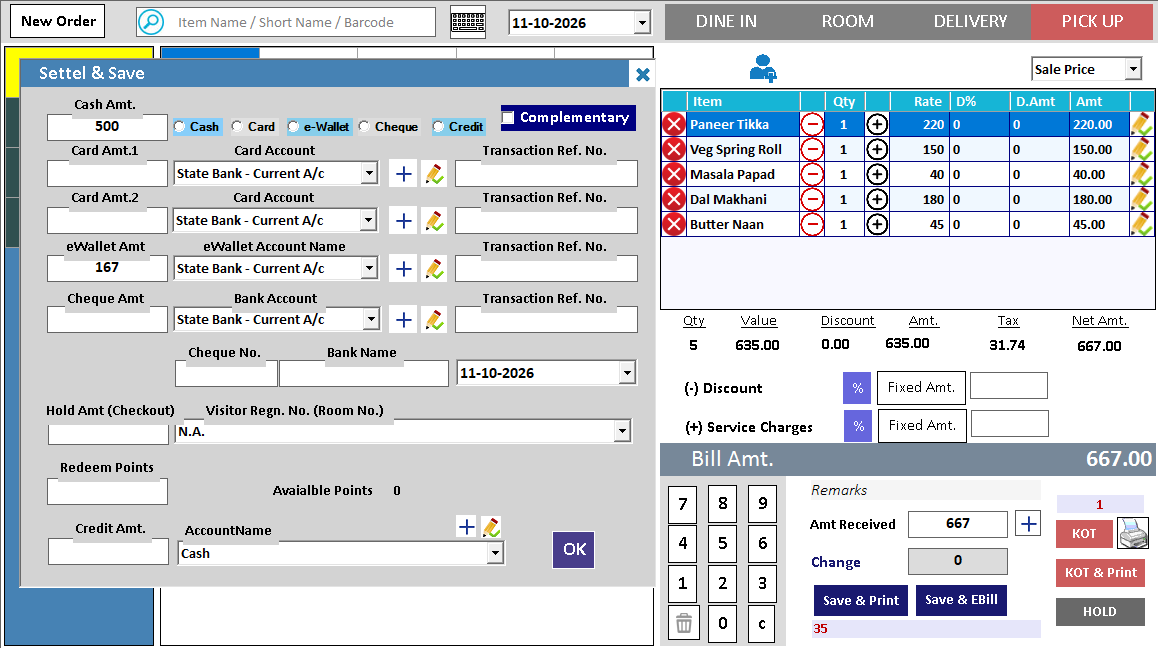
Restaurant billing and payments
Bring the served order to a clear final bill.
Read the guide →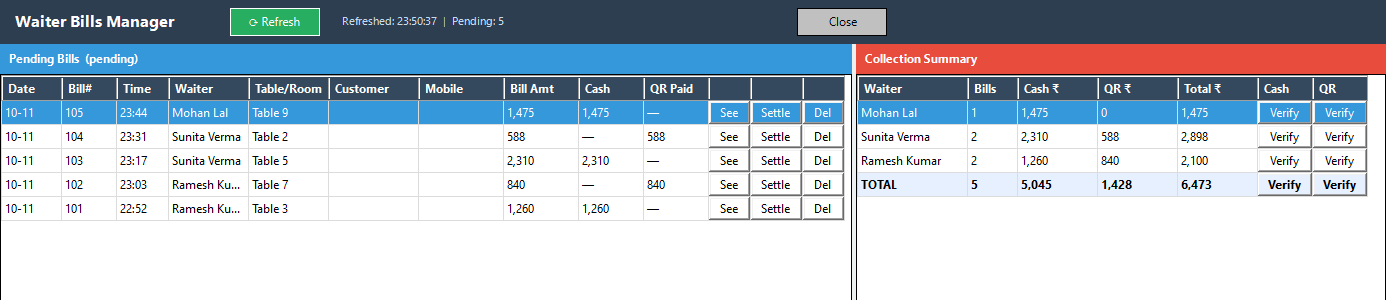
Restaurant owner dashboard
Review service through the day's records.
Read the guide →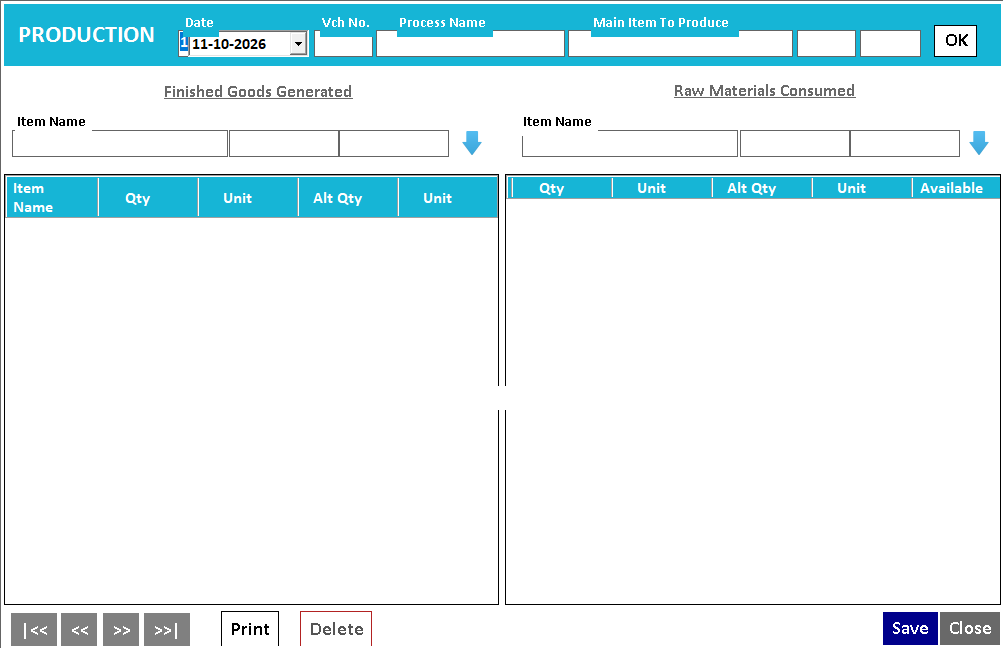
Production entries
Record the movement from materials to output.
Read the guide →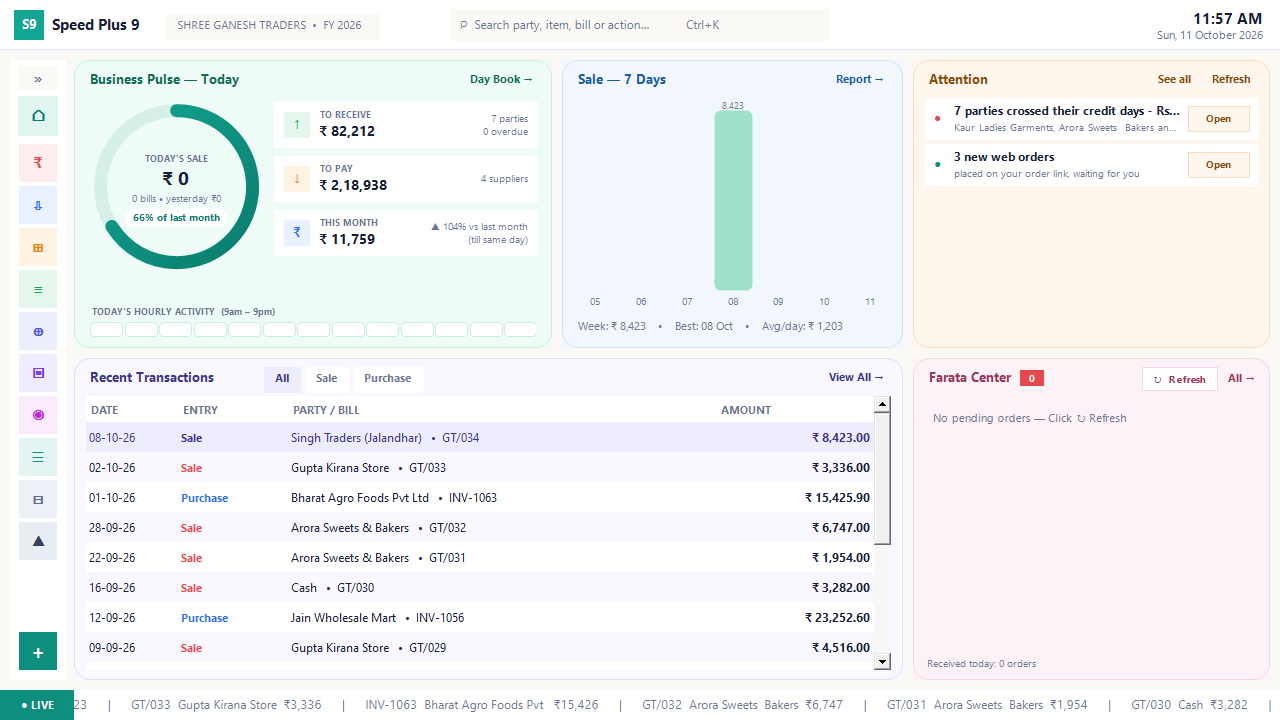
Business dashboard
See how your business is doing today.
Read the guide →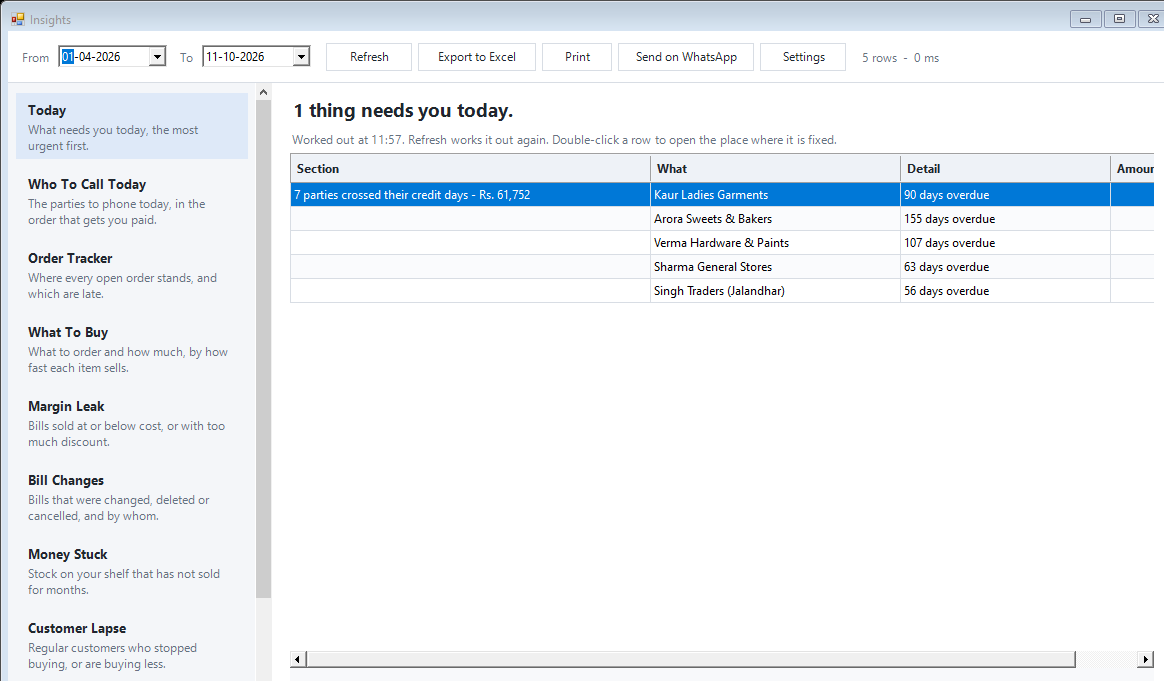
Today business insights
Know which issue deserves your attention first.
Read the guide →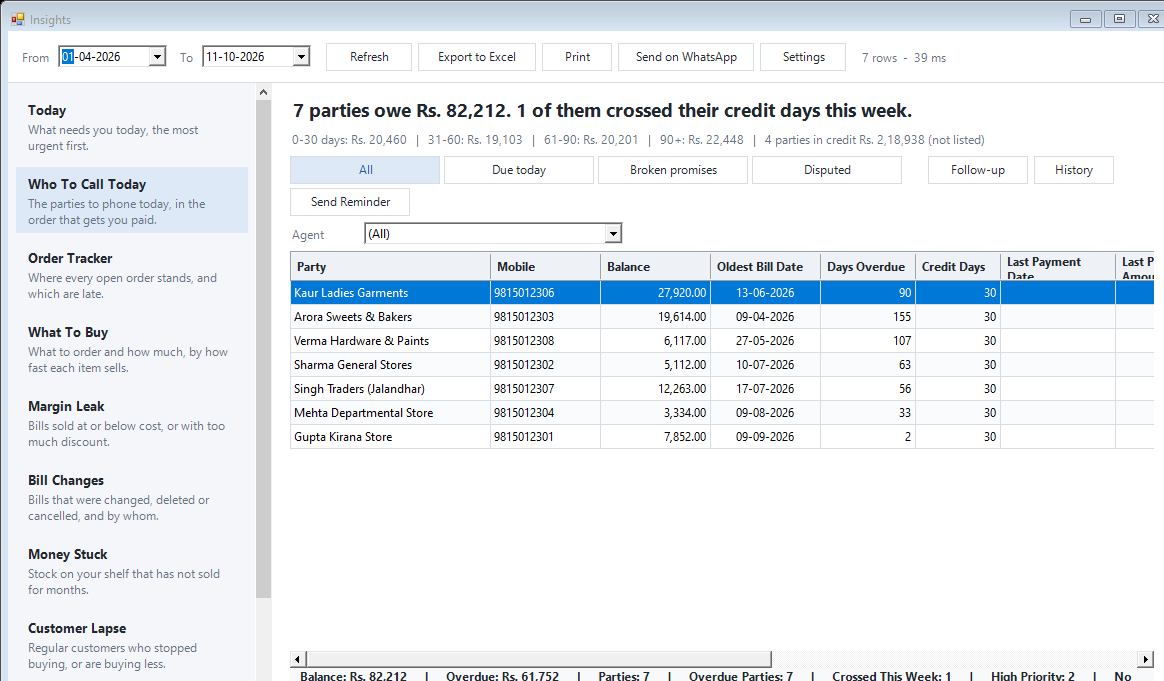
Collection follow-ups
Know whom to call for payment.
Read the guide →Order tracker
Keep the promise after the order is accepted.
Read the guide →Purchase replenishment
Know what to buy before stock runs out.
Read the guide →Margin leak analysis
Find sales that are reducing your margin.
Read the guide →Slow-moving stock
See the money waiting on your shelves.
Read the guide →Customer lapse
Notice when regular customers stop buying.
Read the guide →Price watch
Notice rising purchase costs before margin slips.
Read the guide →Bill change history
See what changed after a bill was saved.
Read the guide →Calculated billing fields
Bill the measurement your trade actually uses.
Read the guide →Bulk price alteration
Change a price list with deliberate control.
Read the guide →User activity audit trail
Follow the recorded action back to its operator.
Read the guide →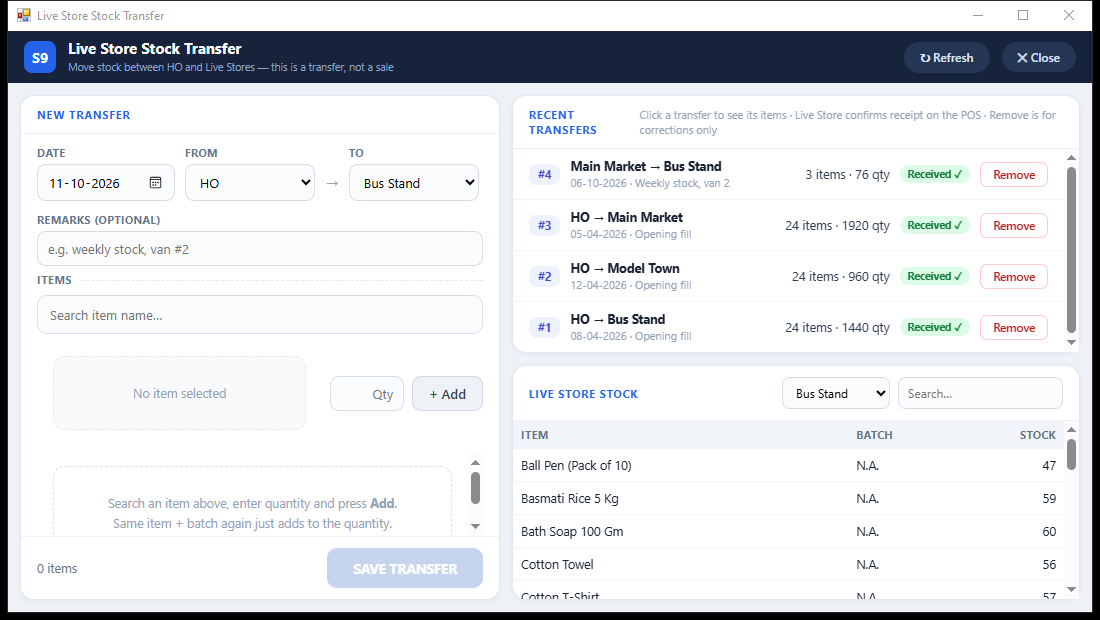
Branch stock transfers
Send stock. Confirm what arrived.
Read the guide →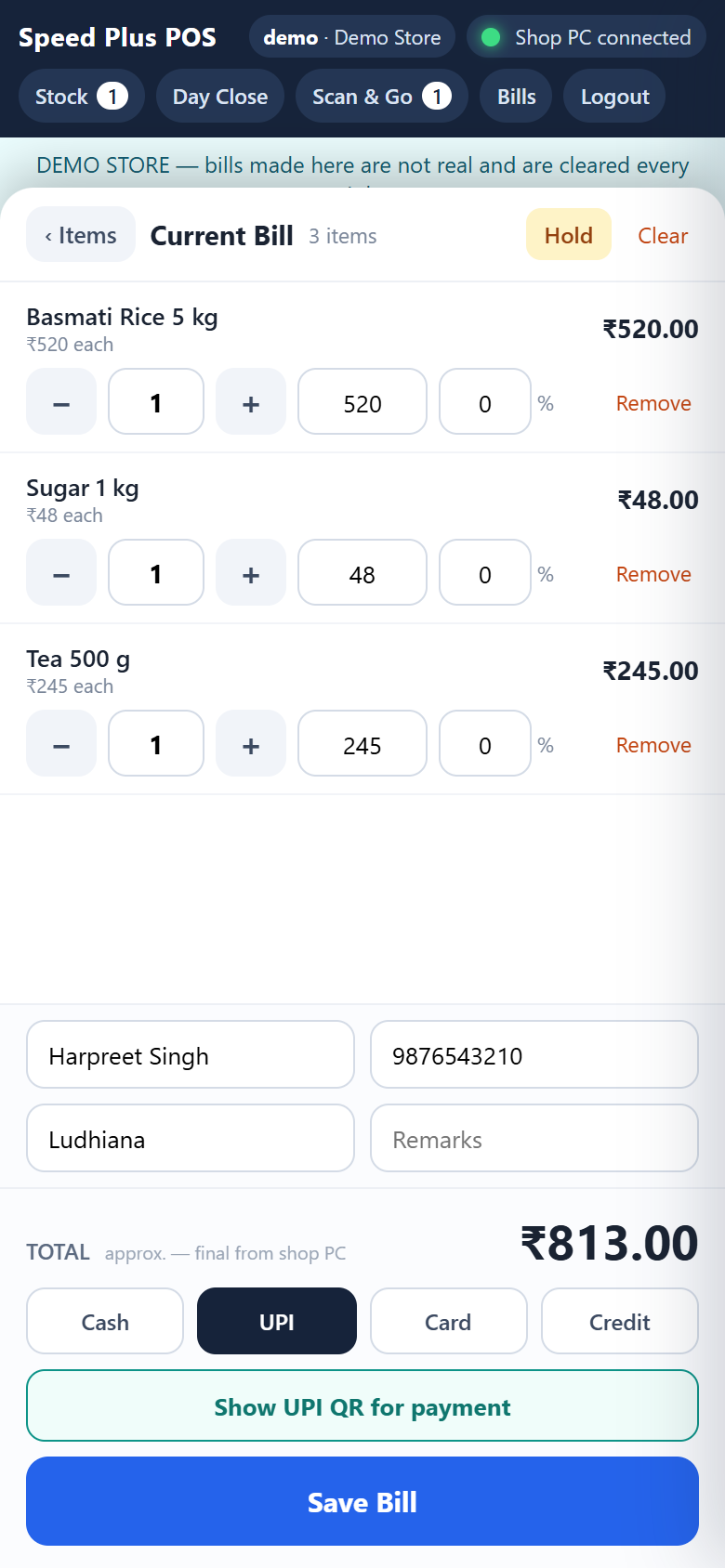
Web POS offline billing
Know whether a bill is saved or still waiting.
Read the guide →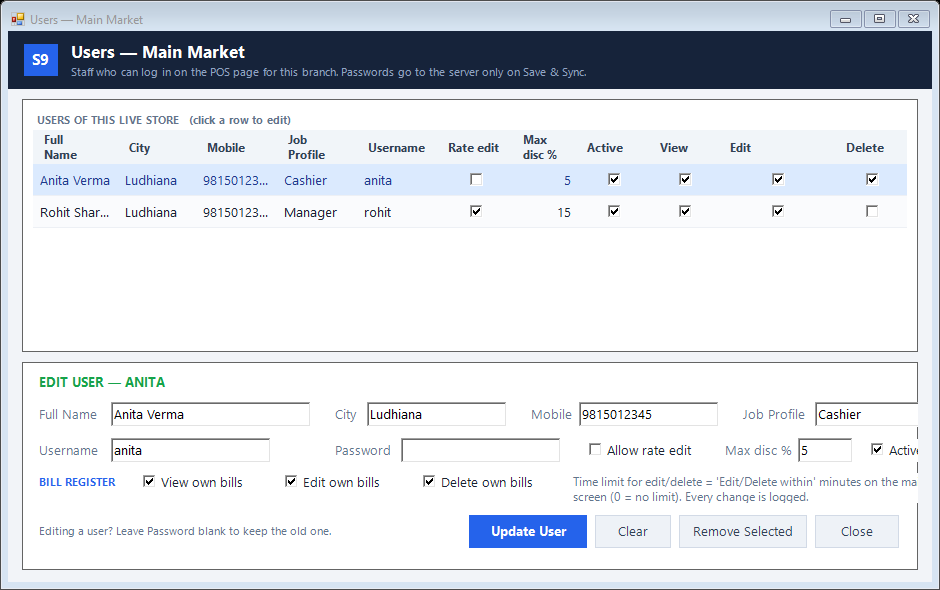
Web POS staff controls
Decide what each cashier can change.
Read the guide →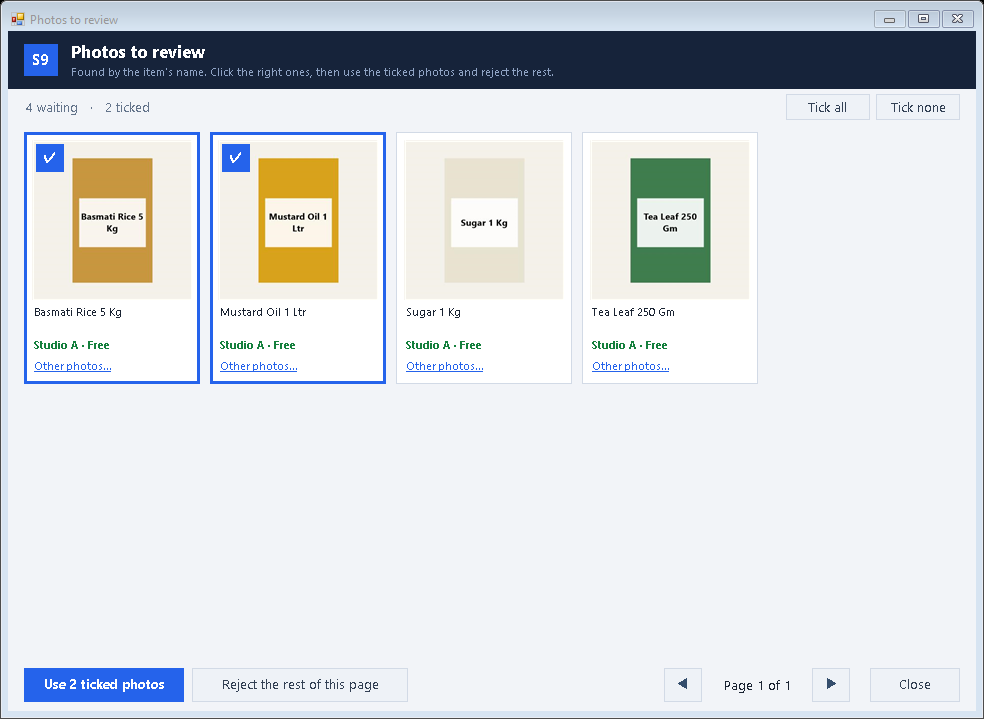
Web Store product photos
Show the product your customer will actually receive.
Read the guide →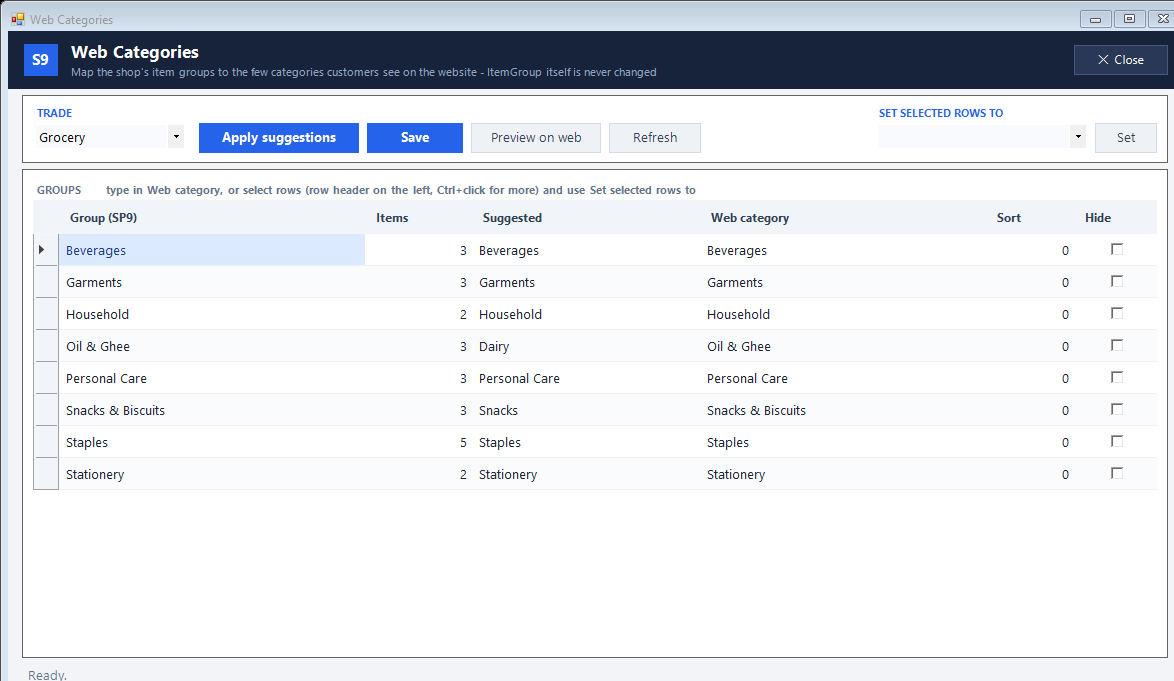
Web Store categories
Make your shop easy to browse.
Read the guide →No matching features. Try a broader term or reset the filters.