Put a useful invoice in the customer's chat.
Share bills through the configured WhatsApp workflow. Confirm the recipient and transaction before sending so customers receive the document they expect.
Saved invoice and recipient
Configured sharing service
Customer document copy
See the screens behind the workflow.
Real screens from the Speed Plus 9 manual. Open any image to inspect the details.
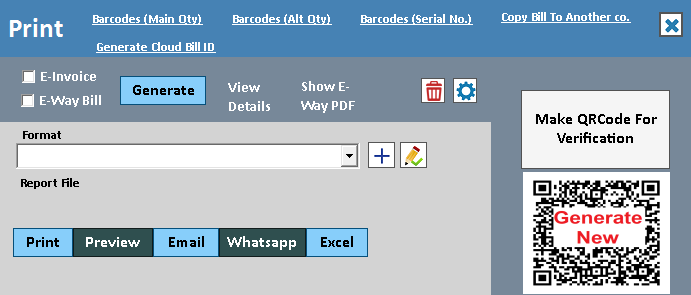 View full size ↗
Share the correct bill with the correct customer.
WhatsApp invoice sharing gives a customer a convenient copy of the sales document. The saved invoice remains the business record; the message is its delivery channel. Reliable sharing depends on the recipient number, the document and the configured sender connection.
Review the saved bill or PDF and confirm the customer number before sending through the supported workflow. Check the service response where available and use the original invoice reference for a resend. Keep invoice delivery separate from marketing messages and from payment confirmation.
How to use it.
Put a useful invoice in the customer's chat.
- 01
Configure the supported sender and sharing workflow
- 02
Check the customer mobile and selected invoice
- 03
Send and review the available delivery feedback
What this looks like in your business.
A customer asks for a digital copy of a bill. Staff share the relevant invoice to the confirmed number.
Good questions.
Clear answers.
Choose the workflow that fits your business and confirm its setup in a demonstration.
Does successful sending mean the customer read or paid the bill?
No. Sending, delivery, reading and payment are separate events. Use the available service status for delivery and the billing or bank records for settlement; do not infer payment from a WhatsApp message.
What setup should I confirm?
Requires the configured service and connectivity. Automatic sending and delivery feedback vary by integration.
Build a reason for customers to return
See how a purchase earns points, how redemption works and where the history lives.
- 01Regular POSRead guide →
- 02Loyalty pointsRead guide →
- 03Customer points ledgerRead guide →
- 04WhatsApp invoice sharingYou are here
What else can help?
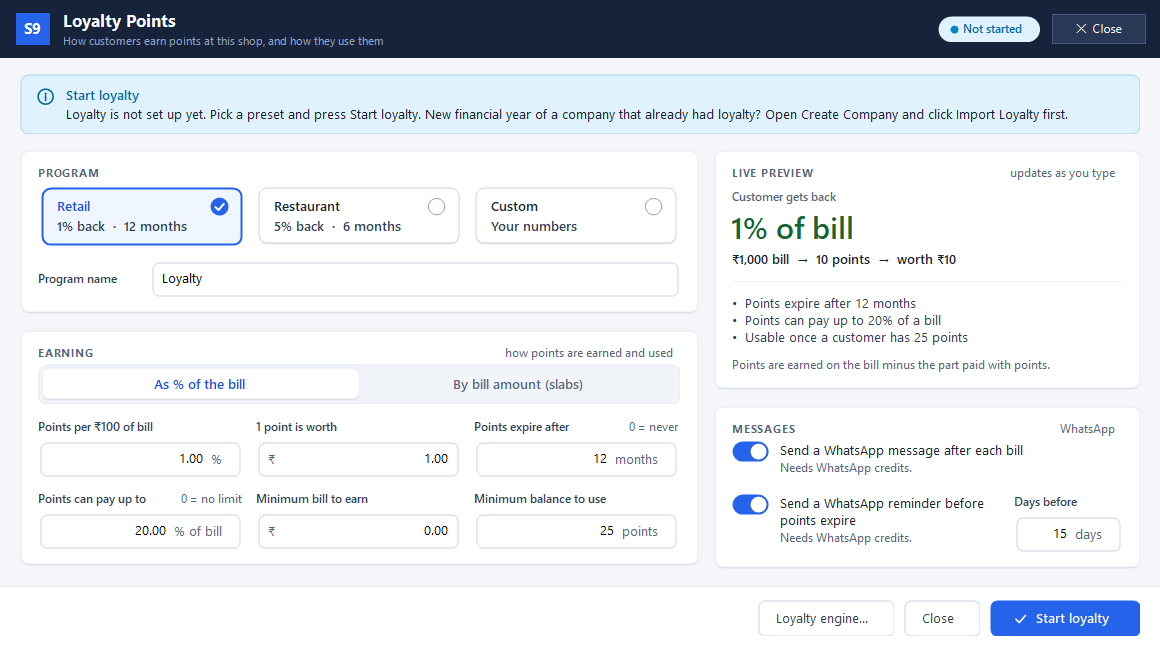
Loyalty points
Reward customers when they buy again.
Read the guide →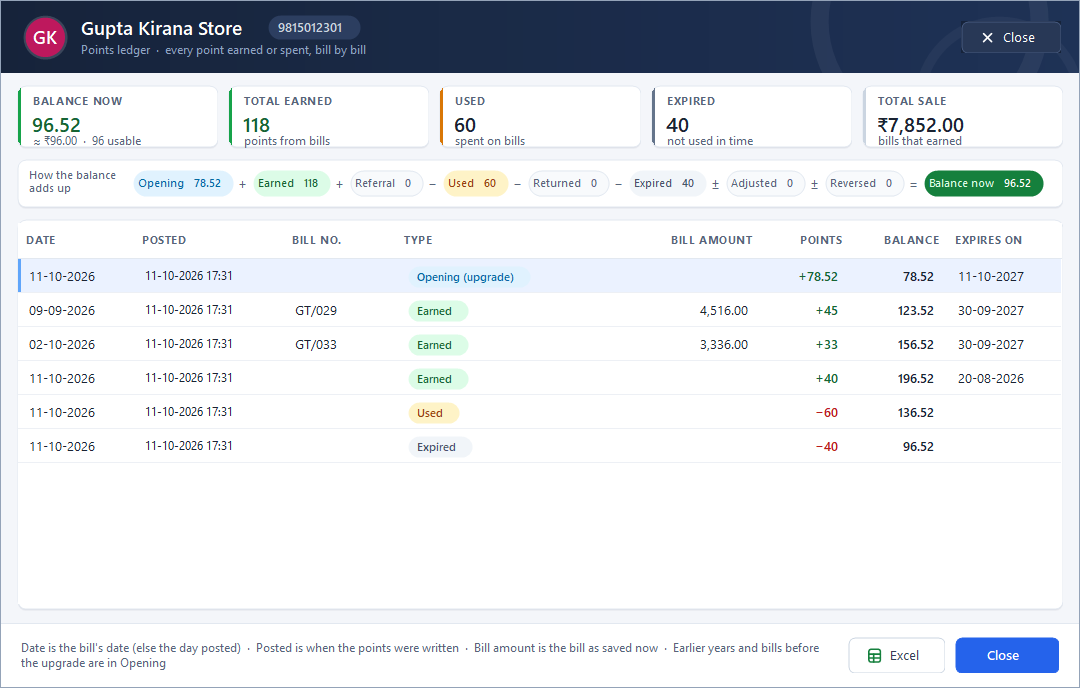
Customer points ledger
Show where a customer’s points came from.
Read the guide →Telegram transaction alerts
Keep an eye on business activity from Telegram.
Read the guide →See it with a sample from your business.
Bring a sample bill or item list. We’ll show you the steps and answer your questions.