Bill the measurement your trade actually uses.
Add relevant measurement or calculated columns when quantity and rate alone do not explain a transaction.
Choose the required measurements and unit basis
Enter a known example into the configured fields
Compare the calculated amount and printed bill
Where this fits in your working day.
The Speed Plus 9 manual describes this workflow in section 17.1–17.3. Add relevant measurement or calculated columns when quantity and rate alone do not explain a transaction.
Bill the measurement your trade actually uses.
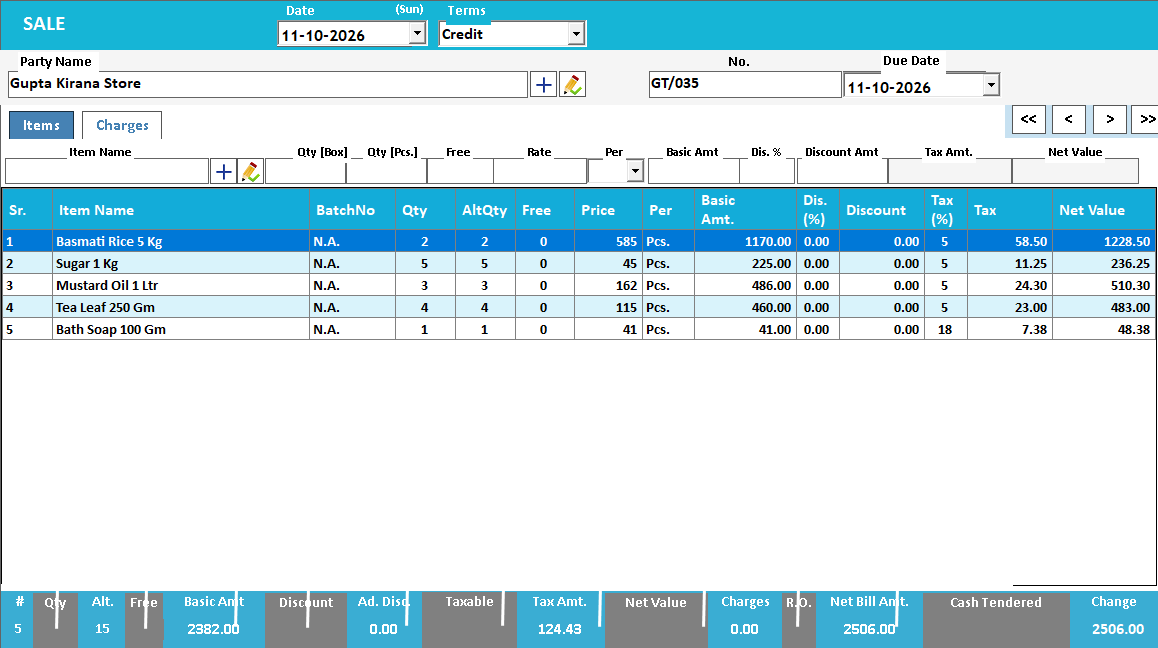
Hardware, cloth, tiles and job-work bills can depend on weight, area or another business measurement. Additional fields let a configured bill line carry those inputs and calculate its amount, so the operator can see the basis instead of keeping a separate calculator result.
Enable the required fields in Settings and agree the unit and calculation with the implementation team. Try a known sample, inspect the line and final total, then include the fields in the print format where the customer needs to see the basis.
How to use it.
Bill the measurement your trade actually uses.
- 01
Choose the required measurements and unit basis
- 02
Enter a known example into the configured fields
- 03
Compare the calculated amount and printed bill
What this looks like in your business.
For an illustrative area charge, 12 square feet at ₹80 per square foot gives ₹960 before any separately configured charges. The chosen fields and print layout should make that basis clear.
Good questions.
Clear answers.
Choose the workflow that fits your business and confirm its setup in a demonstration.
Are additional fields required on every bill?
No. Enable the fields relevant to the trade. Simple transactions can retain a simpler entry layout.
What setup should I confirm?
The manual describes configurable fields, not a universal formula for every trade. Confirm the calculation, units, rounding and print layout with a representative bill.
What else can help?
See it with a sample from your business.
Bring a sample bill or item list. We’ll show you the steps and answer your questions.