Notice when regular customers stop buying.
Compare each customer’s recent visits and purchases with their usual buying pattern.
Compare last purchase with the customer’s normal rhythm
Inspect stopped or shrinking purchase patterns
Plan a relevant follow-up based on their history
Where this fits in your working day.
The Speed Plus 9 manual describes this workflow in section 35.8. The current chapter documents the expanded Insights workflows for version 261007 and later; confirm the installed version and relevant permissions.
Notice when a regular customer changes their pattern.
Different customers buy at different intervals. Customer Lapse compares the customer with their own usual gap between visits rather than assuming everyone should return every week. Stopped and Shrinking views separate absence from reduced purchasing.
Inspect last bill date, visit gap and previous versus current sales value before contacting the customer. Consider changes in requirement, seasonality and service experience. The report helps choose a useful conversation rather than sending the same promotion to everybody.
How to use it.
Notice when regular customers stop buying.
- 01
Compare last purchase with the customer’s normal rhythm
- 02
Inspect stopped or shrinking purchase patterns
- 03
Plan a relevant follow-up based on their history
What this looks like in your business.
A retailer who normally orders fortnightly has not purchased for two months. The salesperson checks recent orders and contacts them to understand the change rather than assuming the account has been lost.
Good questions.
Clear answers.
Choose the workflow that fits your business and confirm its setup in a demonstration.
Does a flagged customer definitely need a discount?
No. The report shows a change in buying behaviour. Contact the customer and understand the reason before deciding on an offer.
What setup should I confirm?
Counter and walk-in accounts are excluded in the documented report. Values are gross rather than net of returns, so inspect returns when comparing purchases.
What else can help?
DSR Party Wise Daily
Review the day's billed parties in one report.
Read the guide →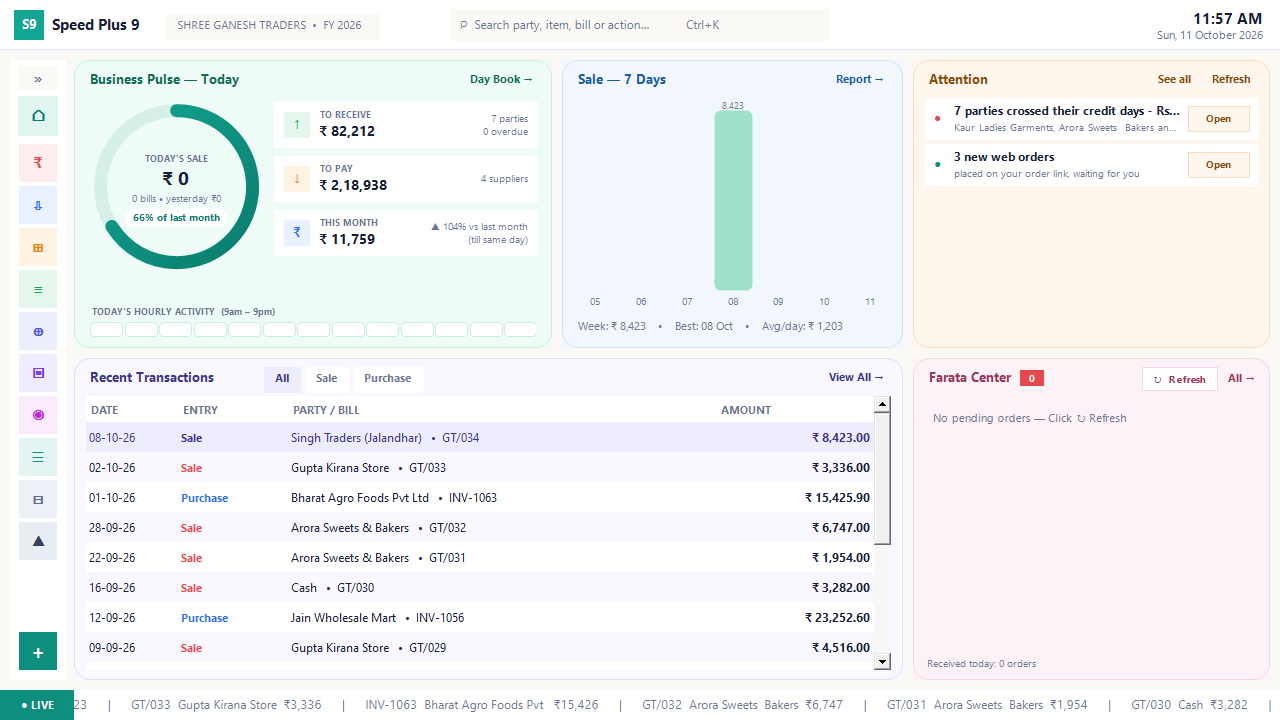
Business dashboard
See how your business is doing today.
Read the guide →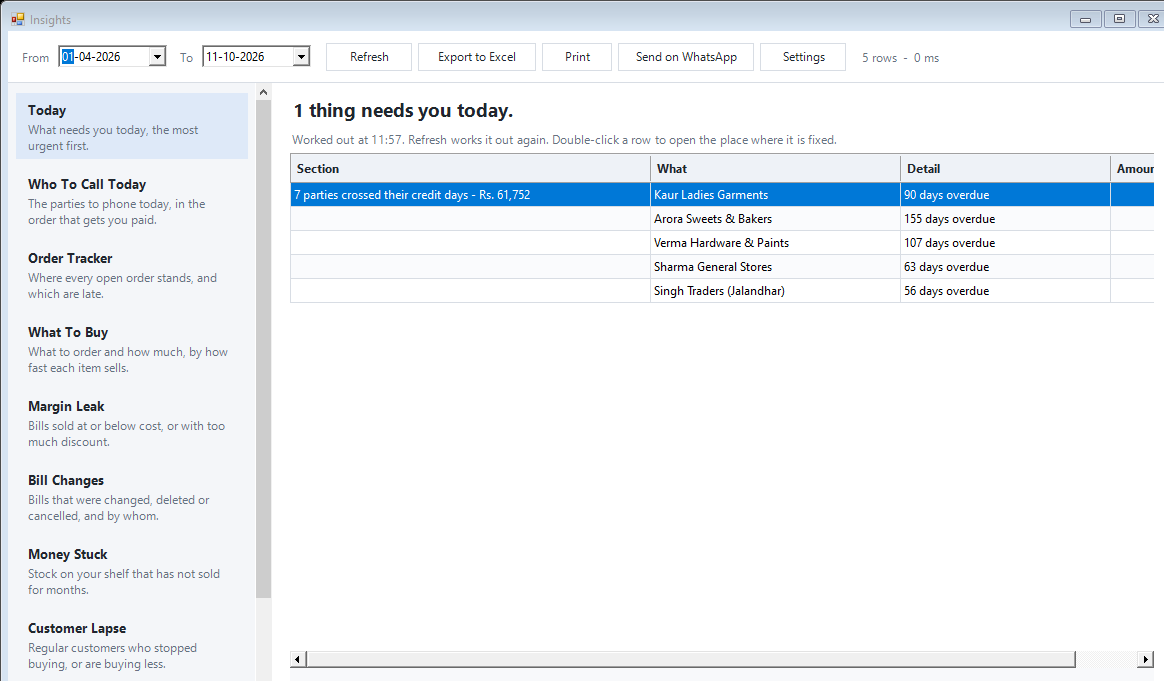
Today business insights
Know which issue deserves your attention first.
Read the guide →See it with a sample from your business.
Bring a sample bill or item list. We’ll show you the steps and answer your questions.